All posts by jgmoxness

E8 folding to 4D H4+H4Φ Visualization Data Analysis

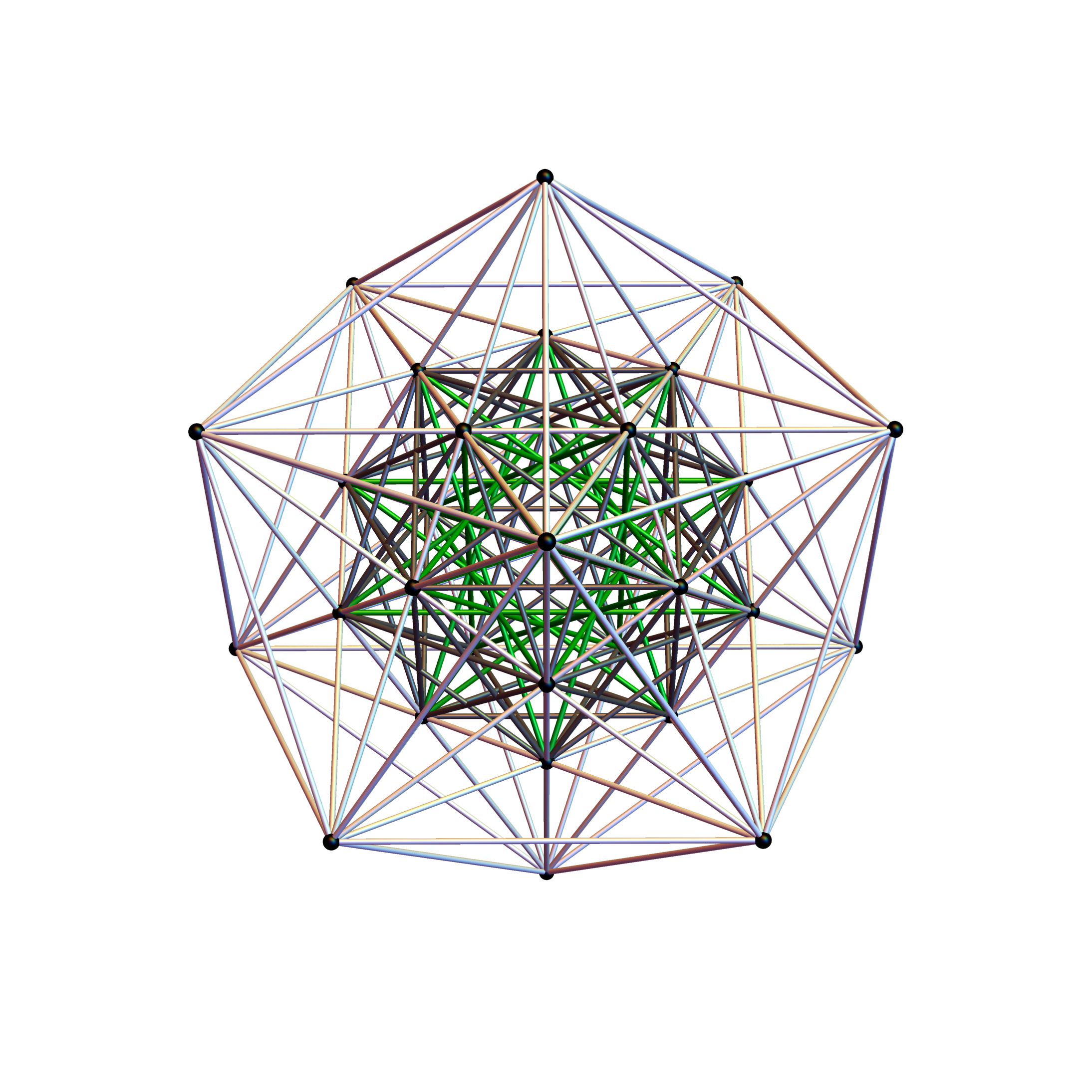
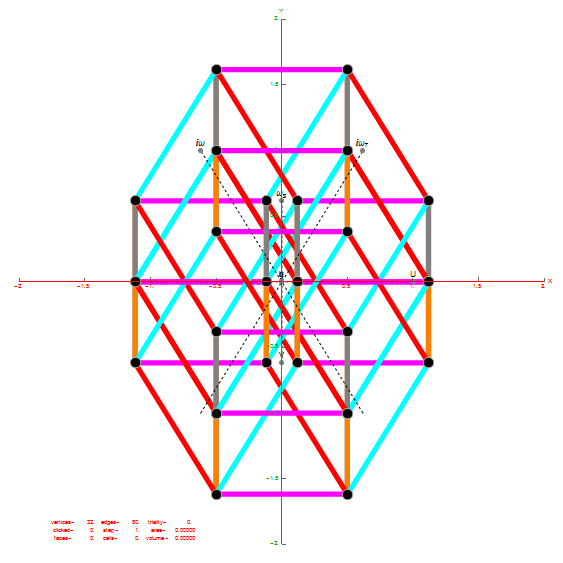
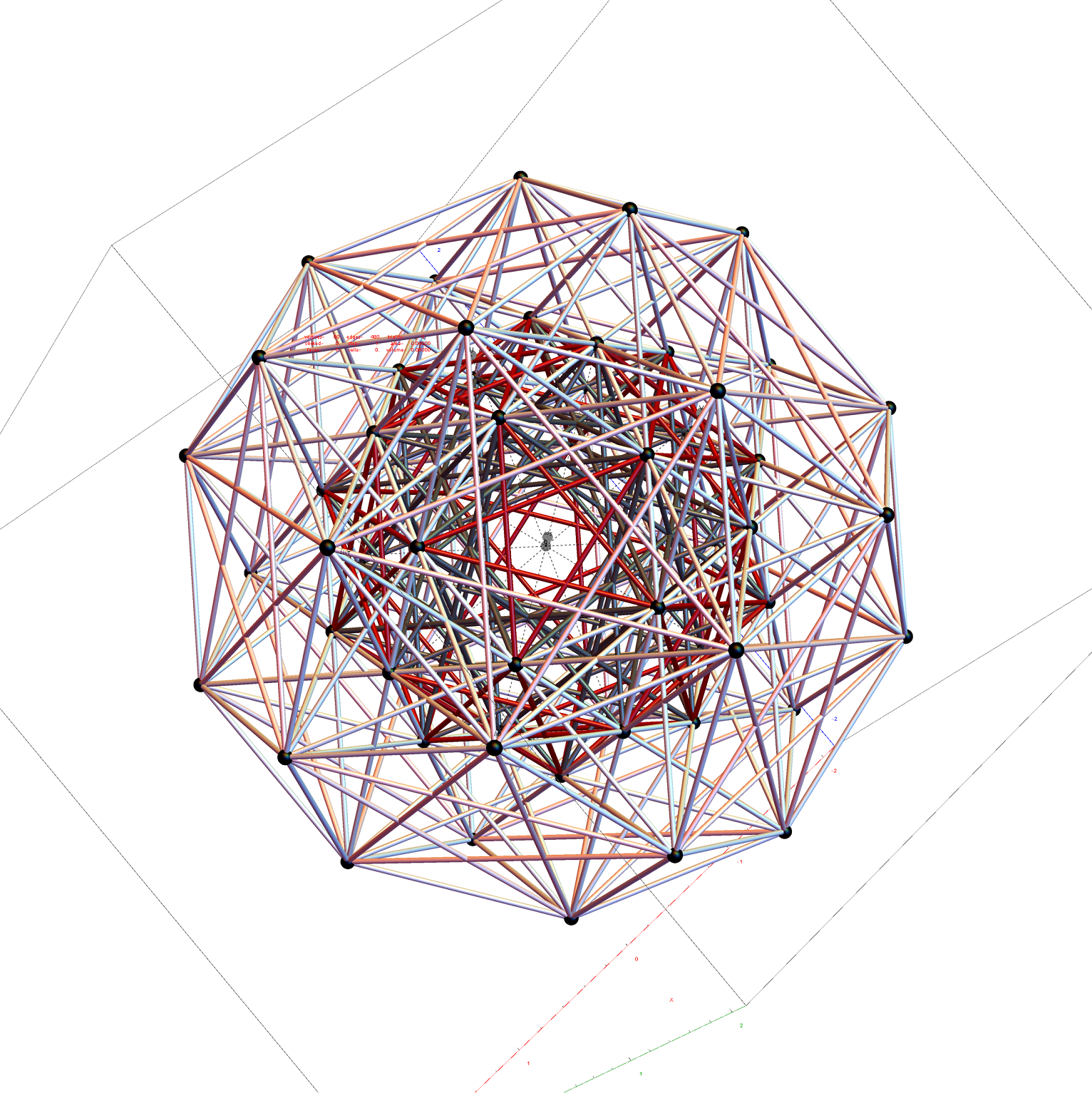
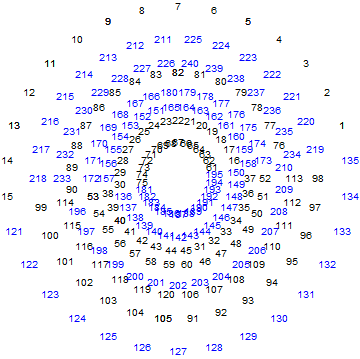
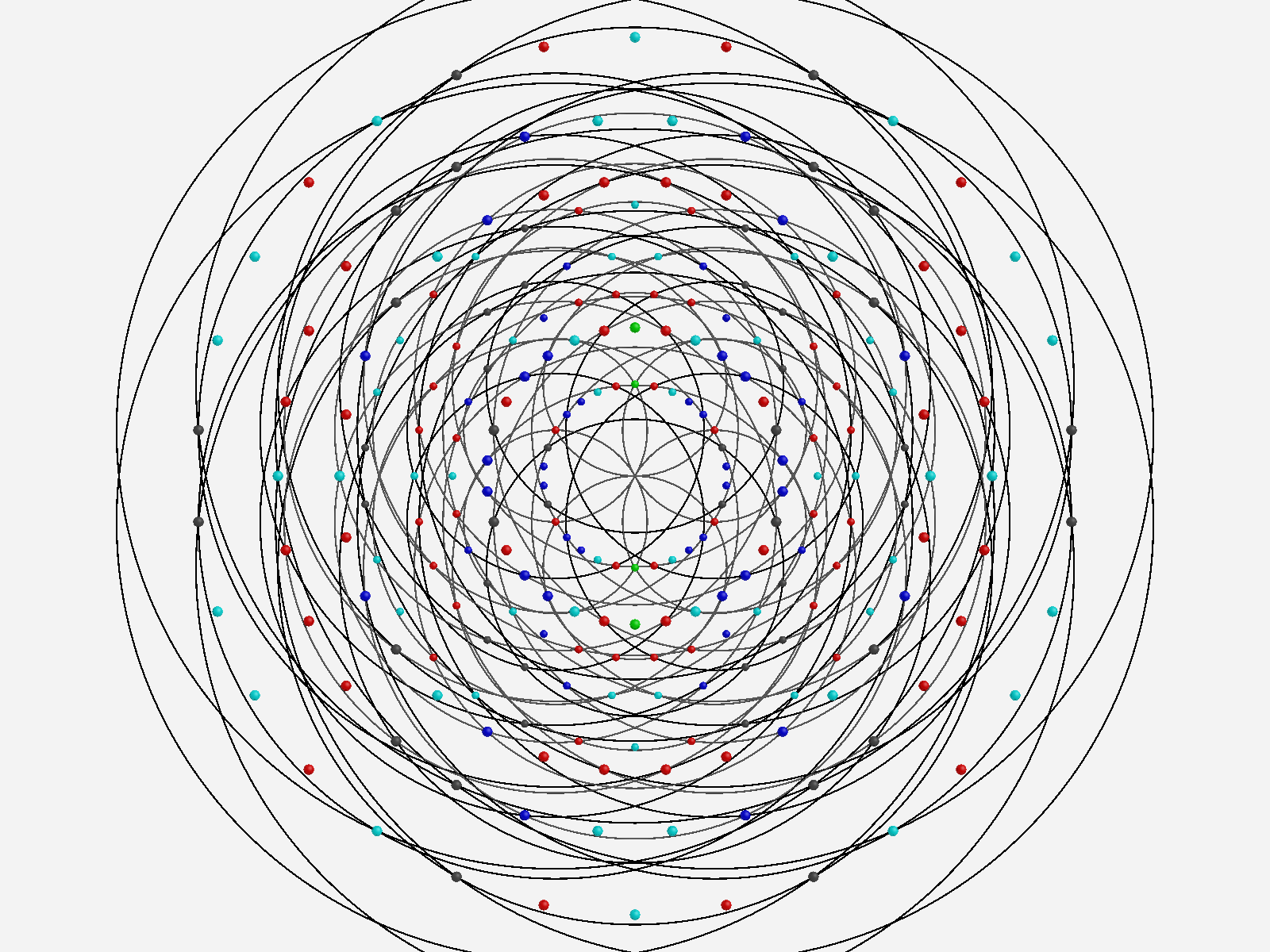
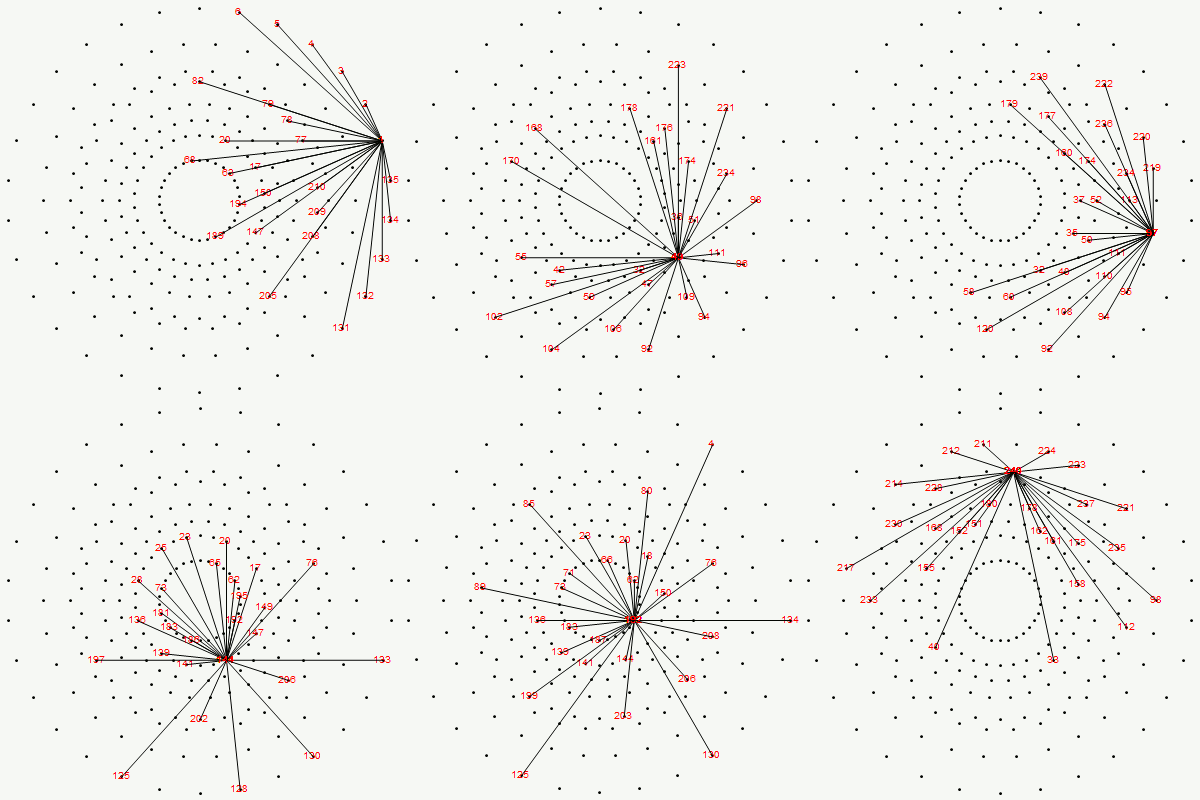
Below is an animated .GIF (3 seconds per frame) in 2D of E8 in Petrie projection with numbered vertices. It cycles between the full E8 (Gosset polytope), to the 8 16-Cell (Cross polytope) vertices, to the 16 8-Cell (Tesseract) vertices. It then cycles through the 5 H4+H4Φ 600-Cell pairs of 24-Cells (main 24-Cell and 4 Snub 24-Cells rotated around the Petrie projection).
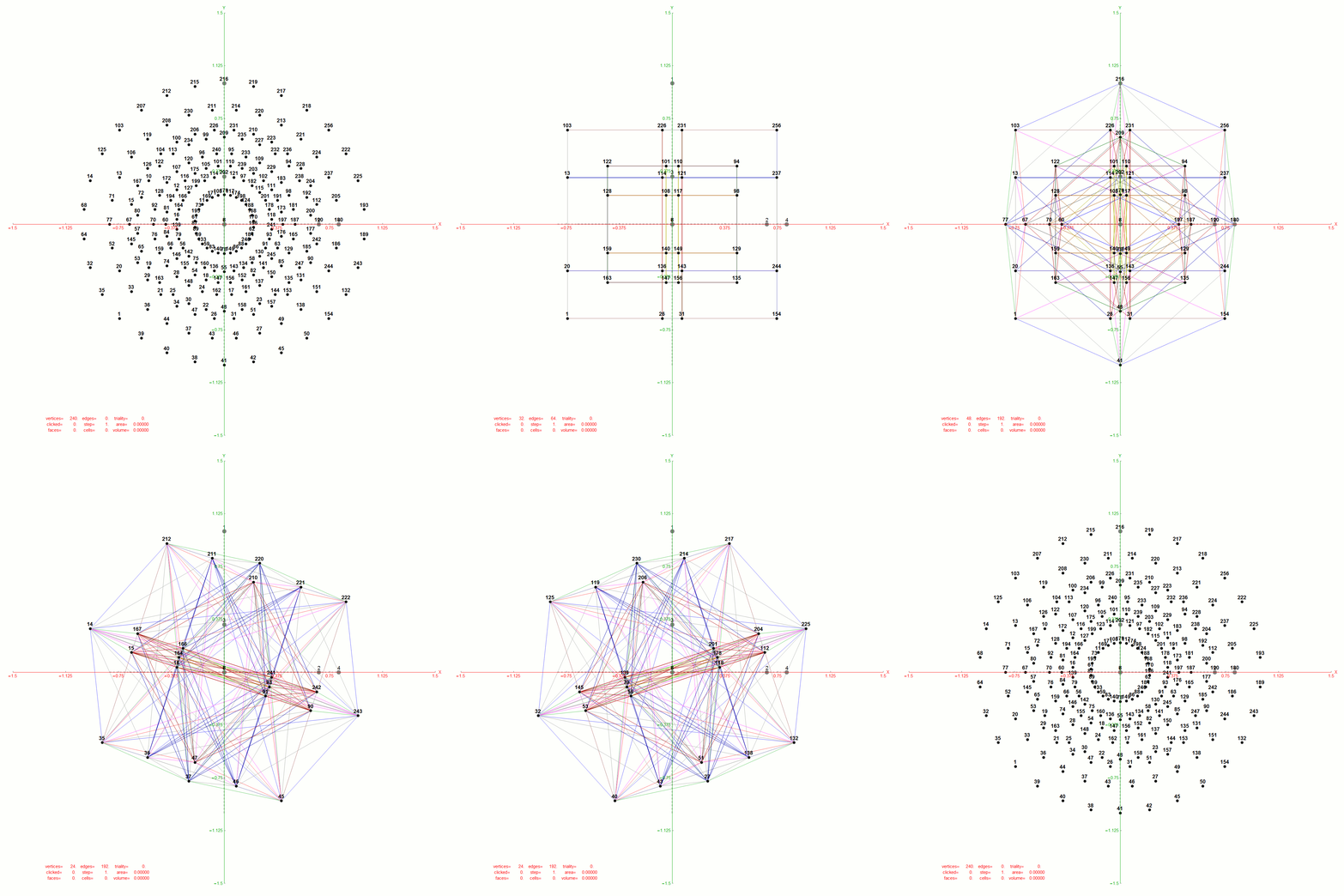
Notice that 4 of the 8 16-Cell vertices are co-located on the axes with the basis vectors of the 2D projection. The other 4 basis vectors (on the right half of the 8D basis) are located at the origin {0,0}.

BTW – if you find this information useful, or provide any portion of it to others, PLEASE make sure you cite this post. If you feel a blog post citation would not be an acceptable form for academic research papers, I would be glad to clean it up and put it into LaTex format in order to provide it to arXiv (with your academic sponsorship) or Vixra. Just send me a note at:  jgmoxness@theoryofeverthing.org. 

The Split Real Even (SRE) E8 vertices are numbered in order of their canonical sort position in the Pascal Triangle binary order. See the large .PNG graphic at the bottom of this post for the full list of binary, E8 and folded H4+H4Φ in symbolic and numeric values. The connection between E8 and the binary (binomial expansion) of the Pascal Triangle (Clifford Algebra) is visualized here. It is interesting to note that the binary and E8 vertex values of 1-128 are mirrored by the 256-129 (note: reverse order, with 0<->1 for binary or negation for E8).

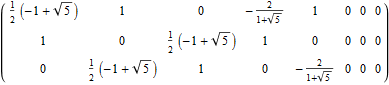
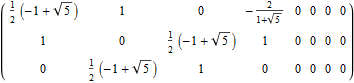
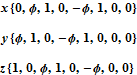
The H4 numeric and symbolic information is obtained through E8 vertex dot product with the 8×8 rotation matrix and is multiplied by 2 for clarity. H4 Folding is obtained by only using the top or bottom 4 rows of that matrix I discovered in 2010 (below):
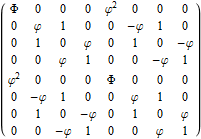
Notice the Quaternion to Octonion Cayley-Dickson like doubling procedure pattern in the 4 quadrants of this matrix. It is this pattern that is responsible for maintaining the 4 sets of 600-Cell H4 vertices when rotating from E8 vertices.

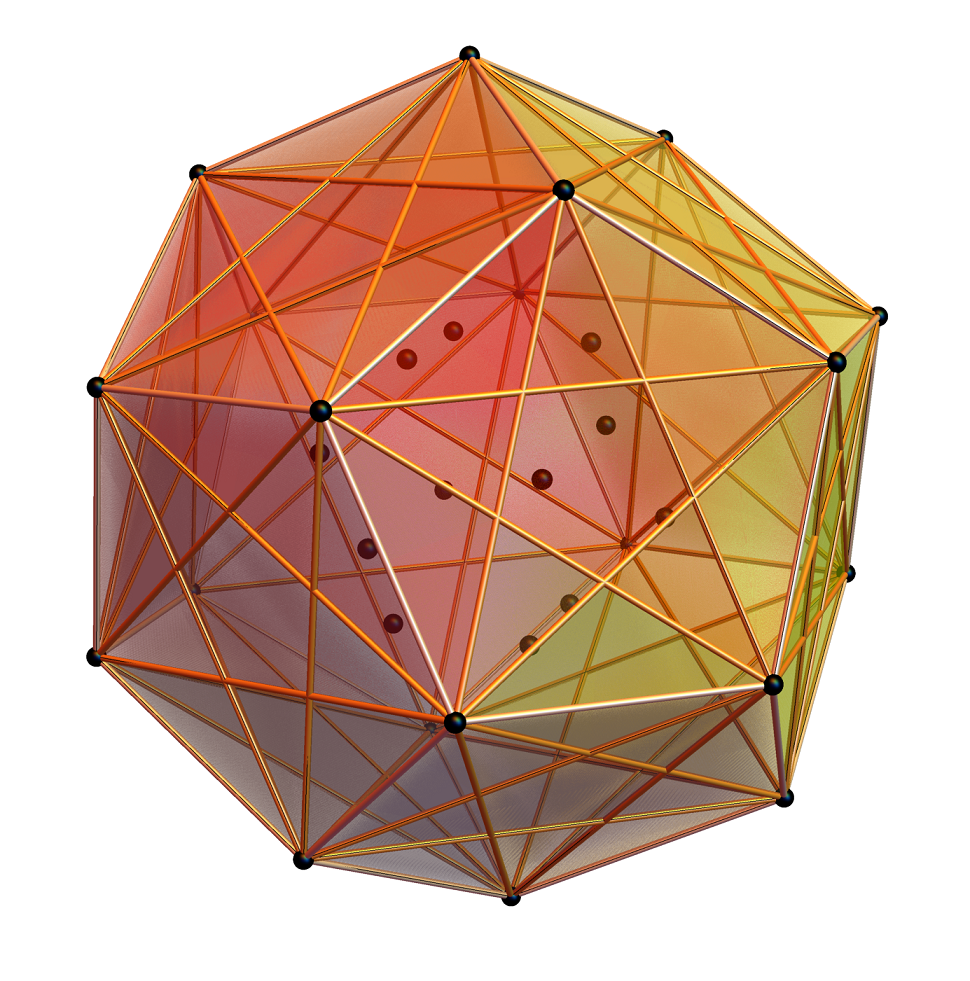
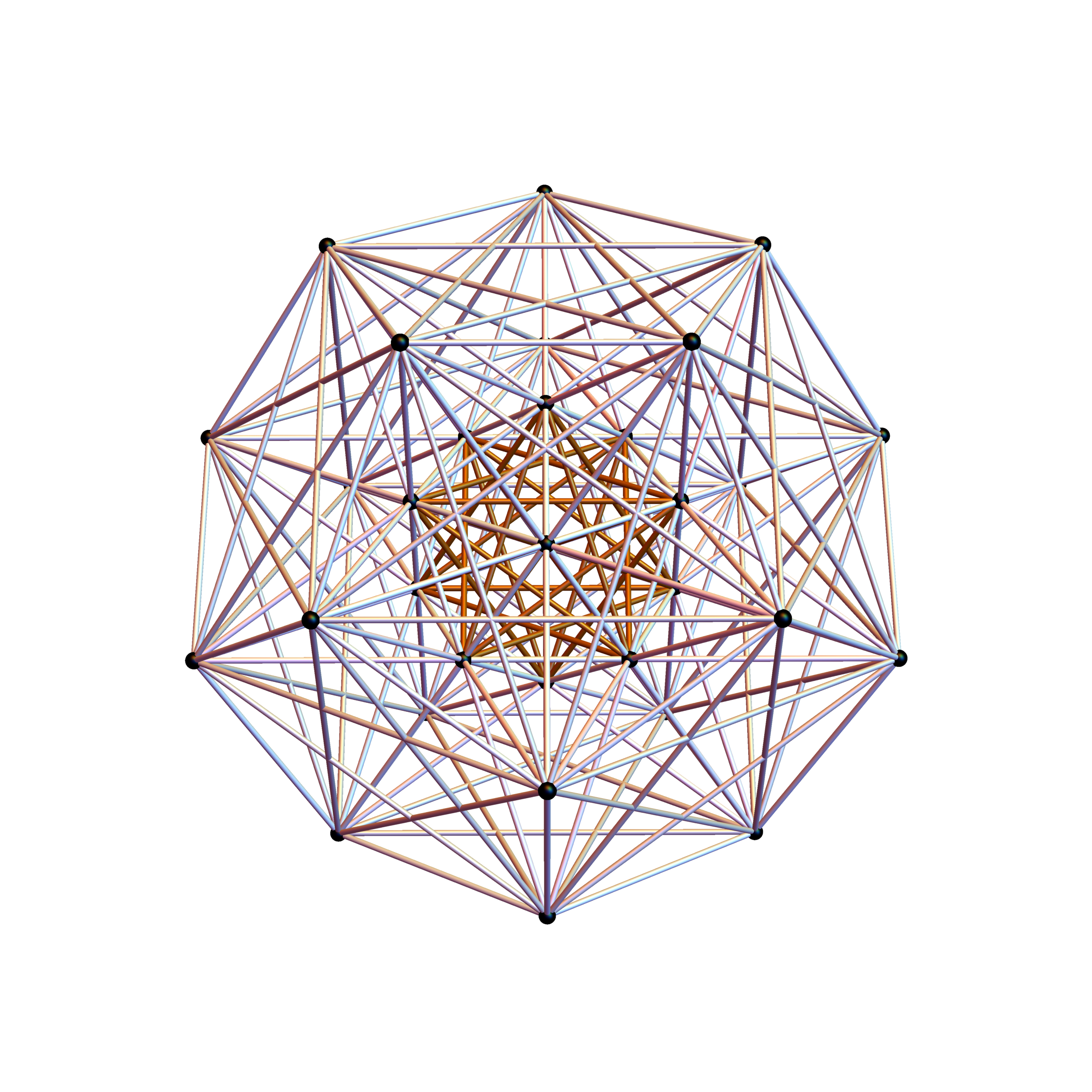
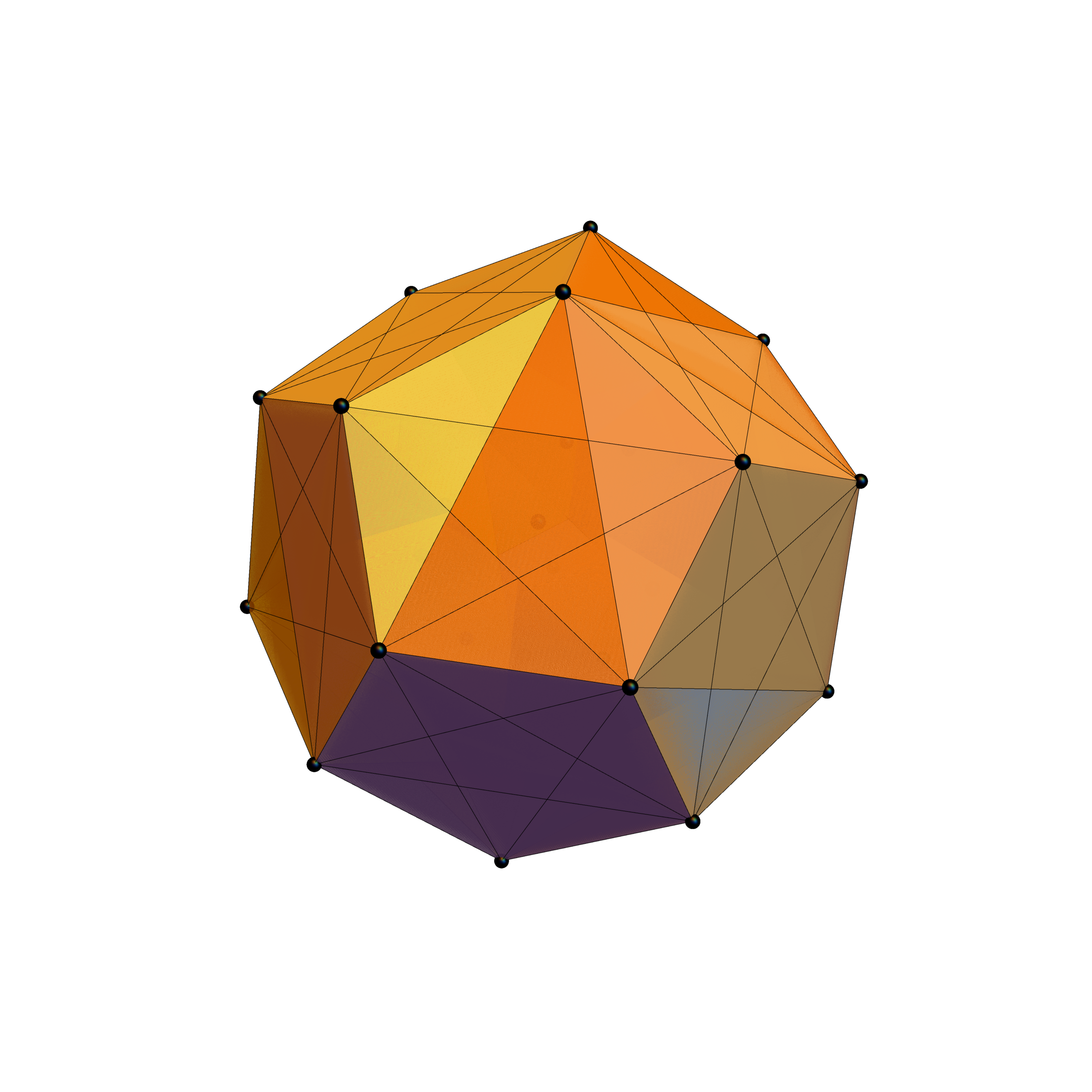
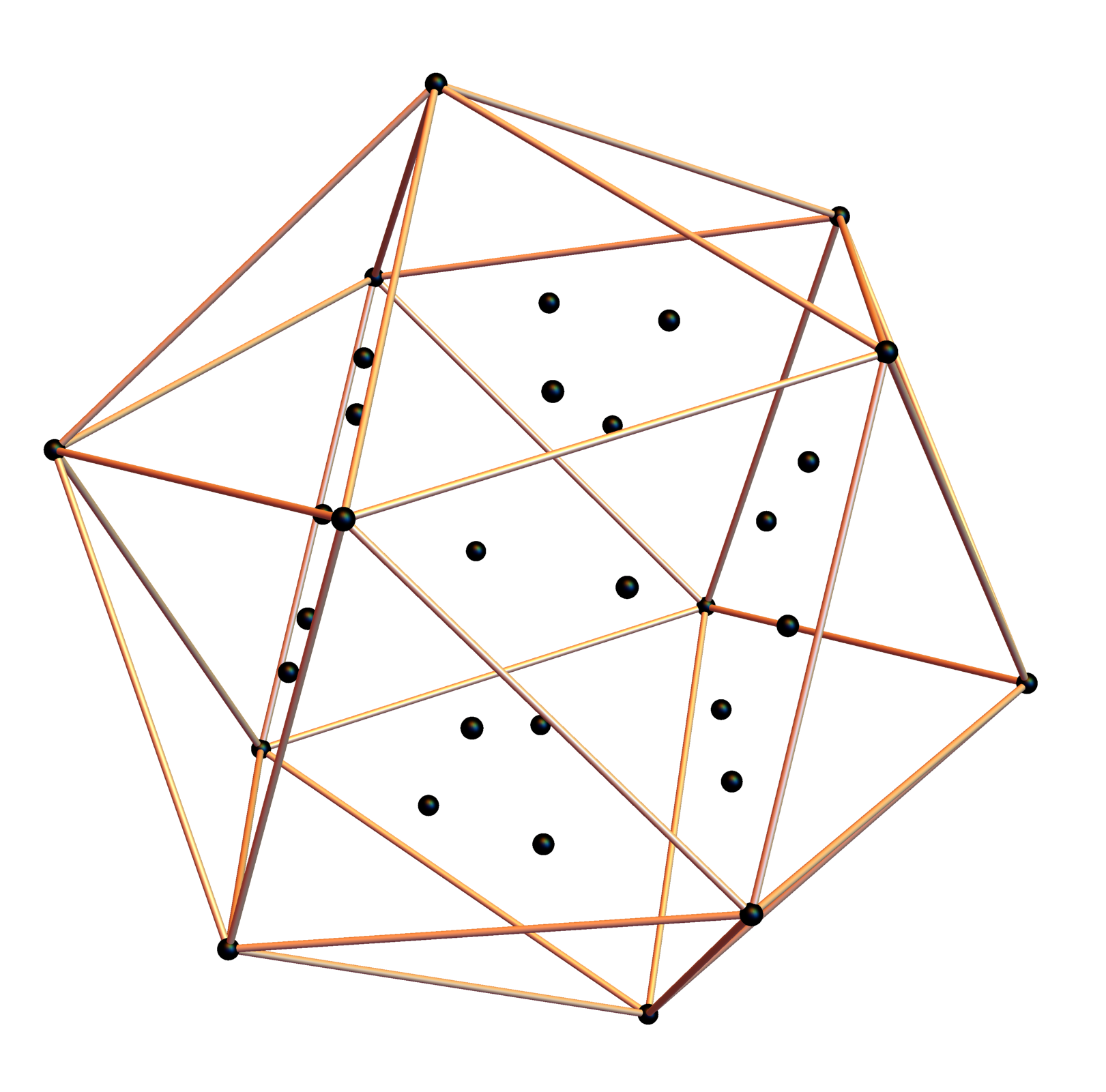
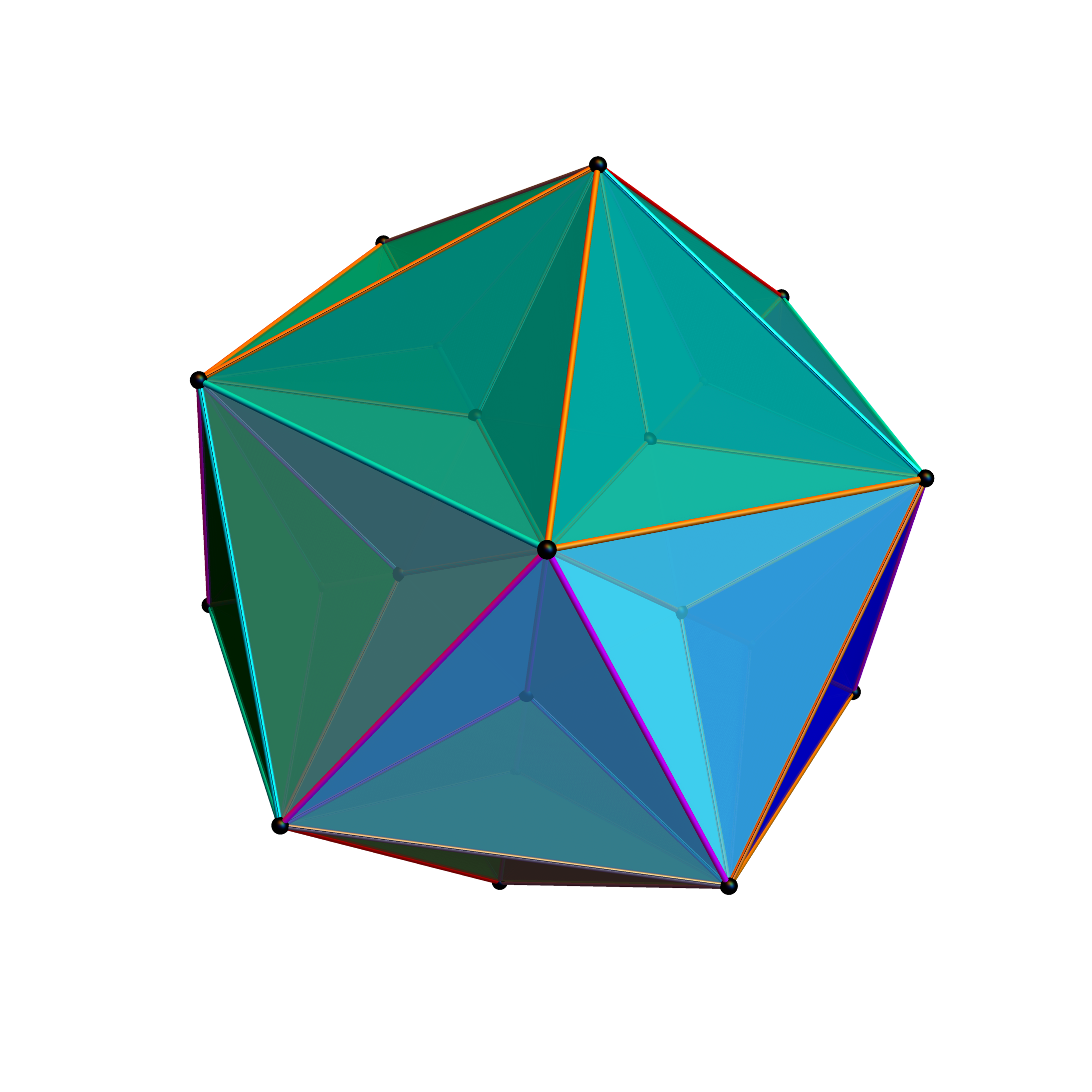
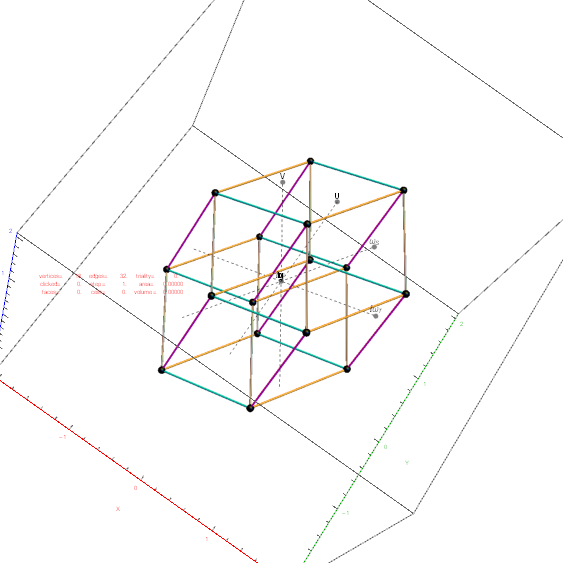
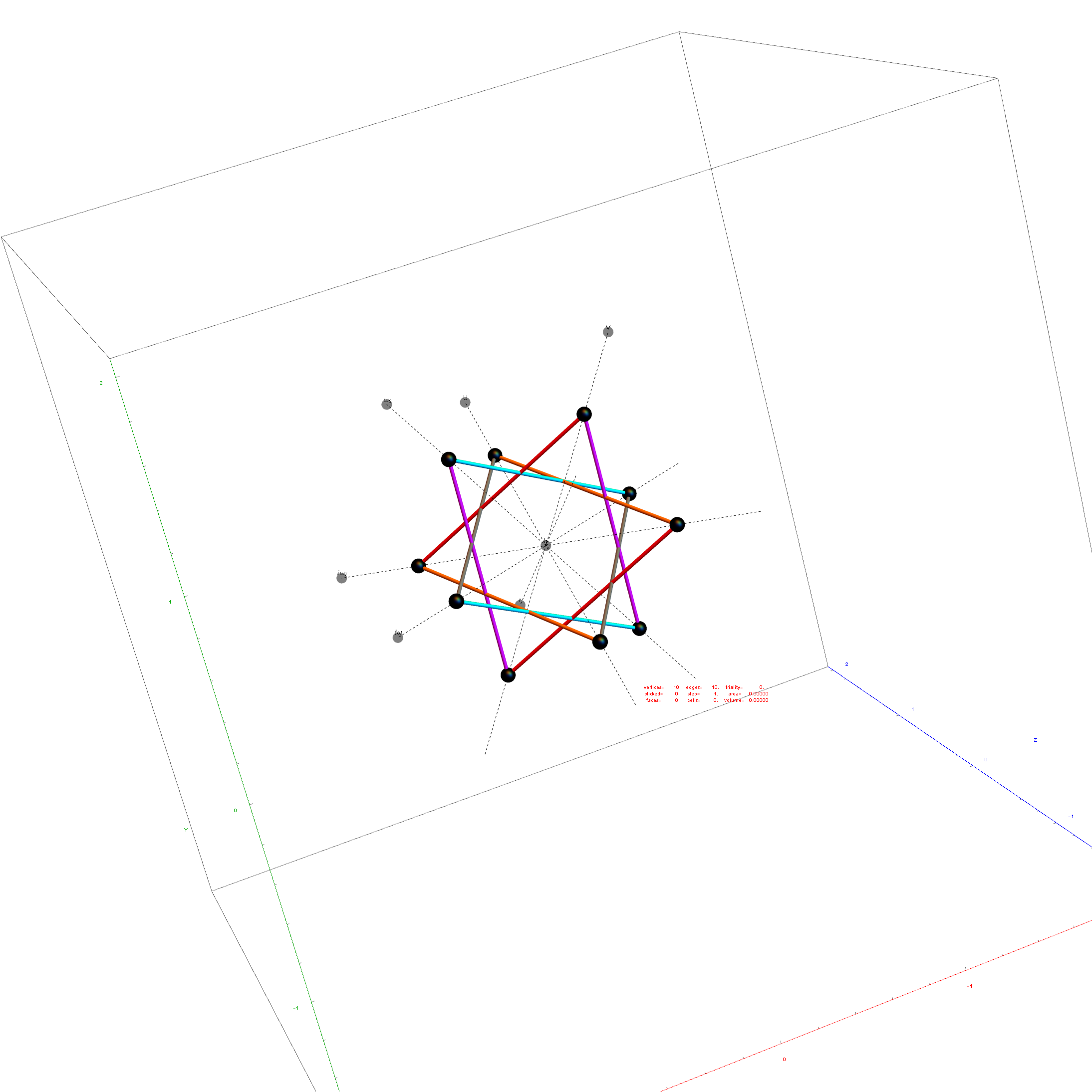
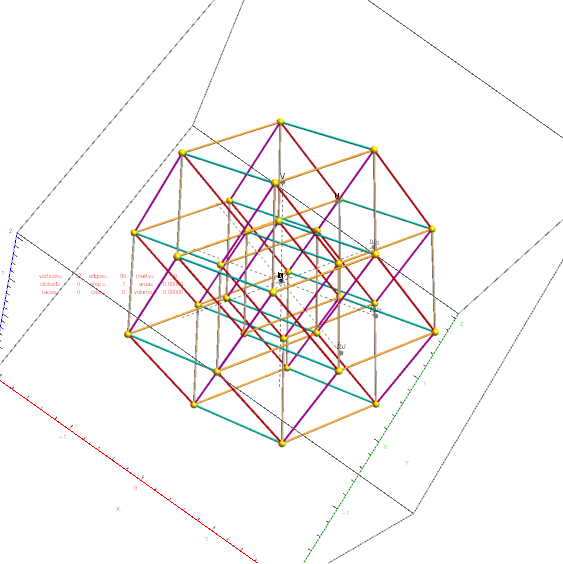
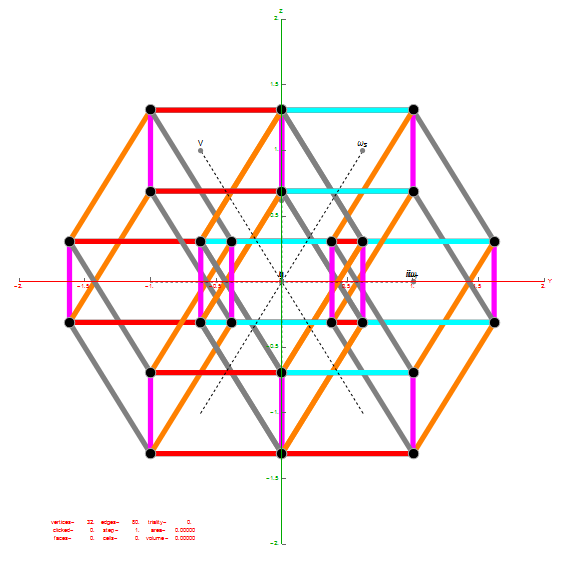
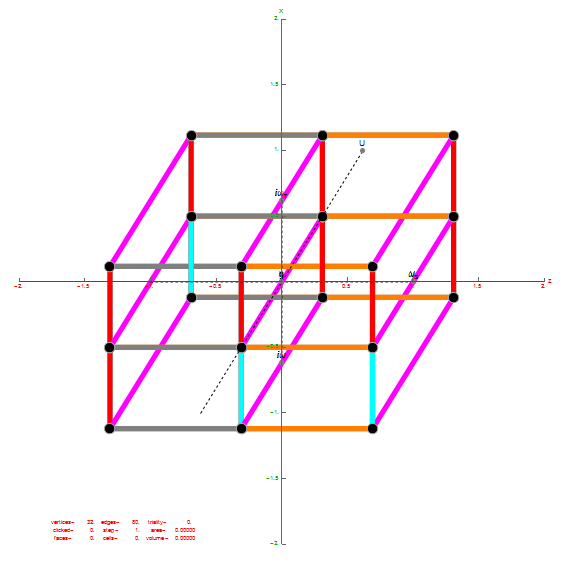
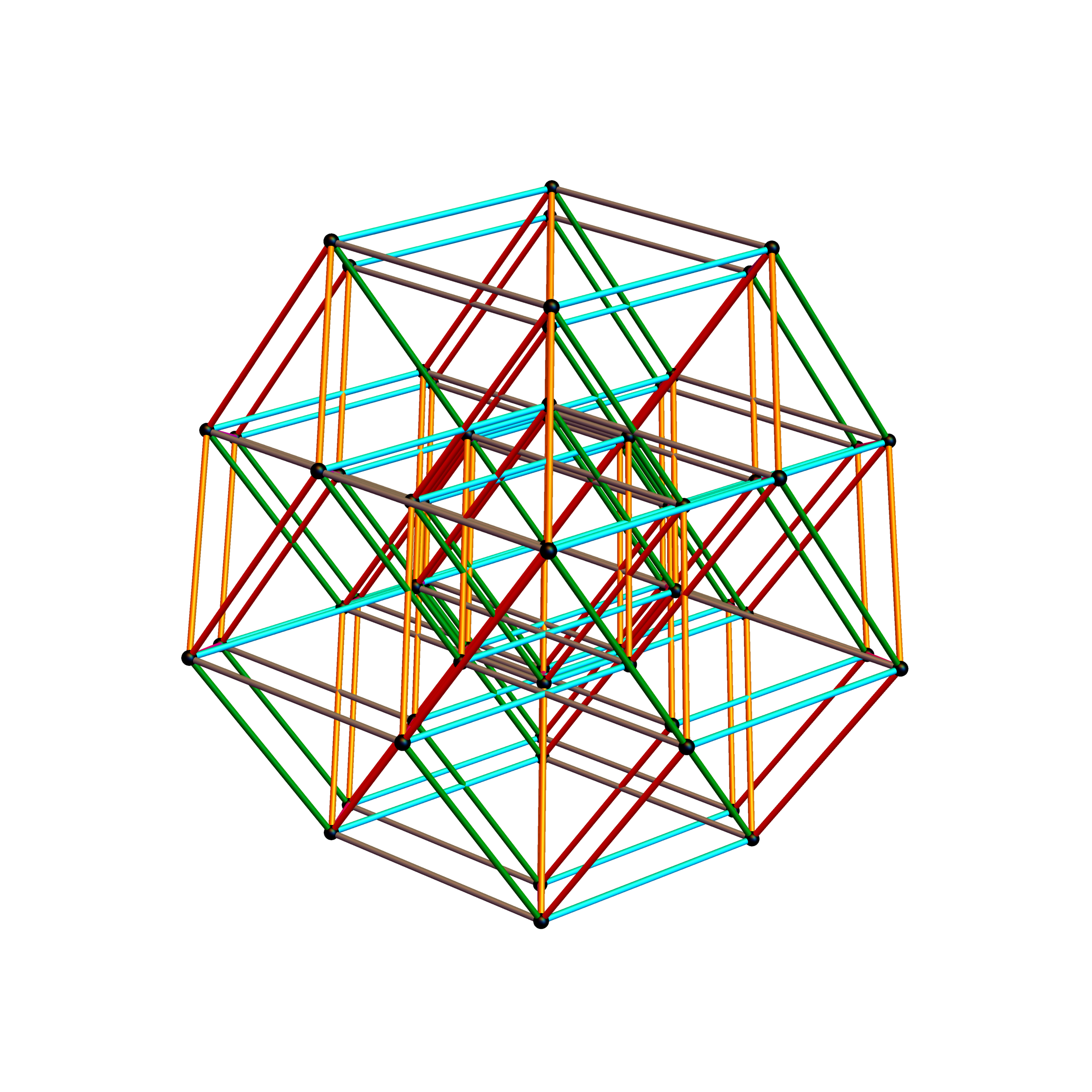
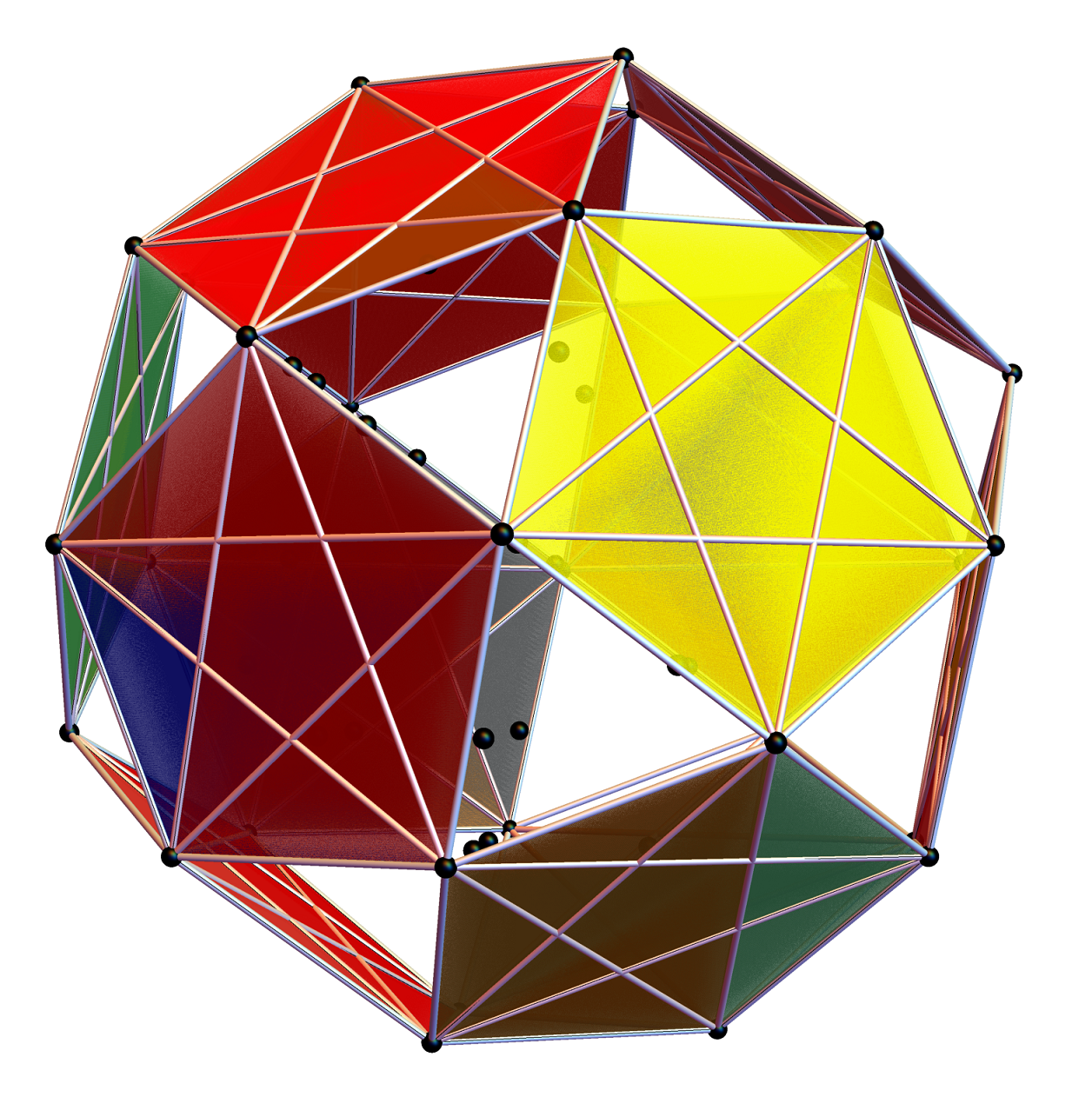
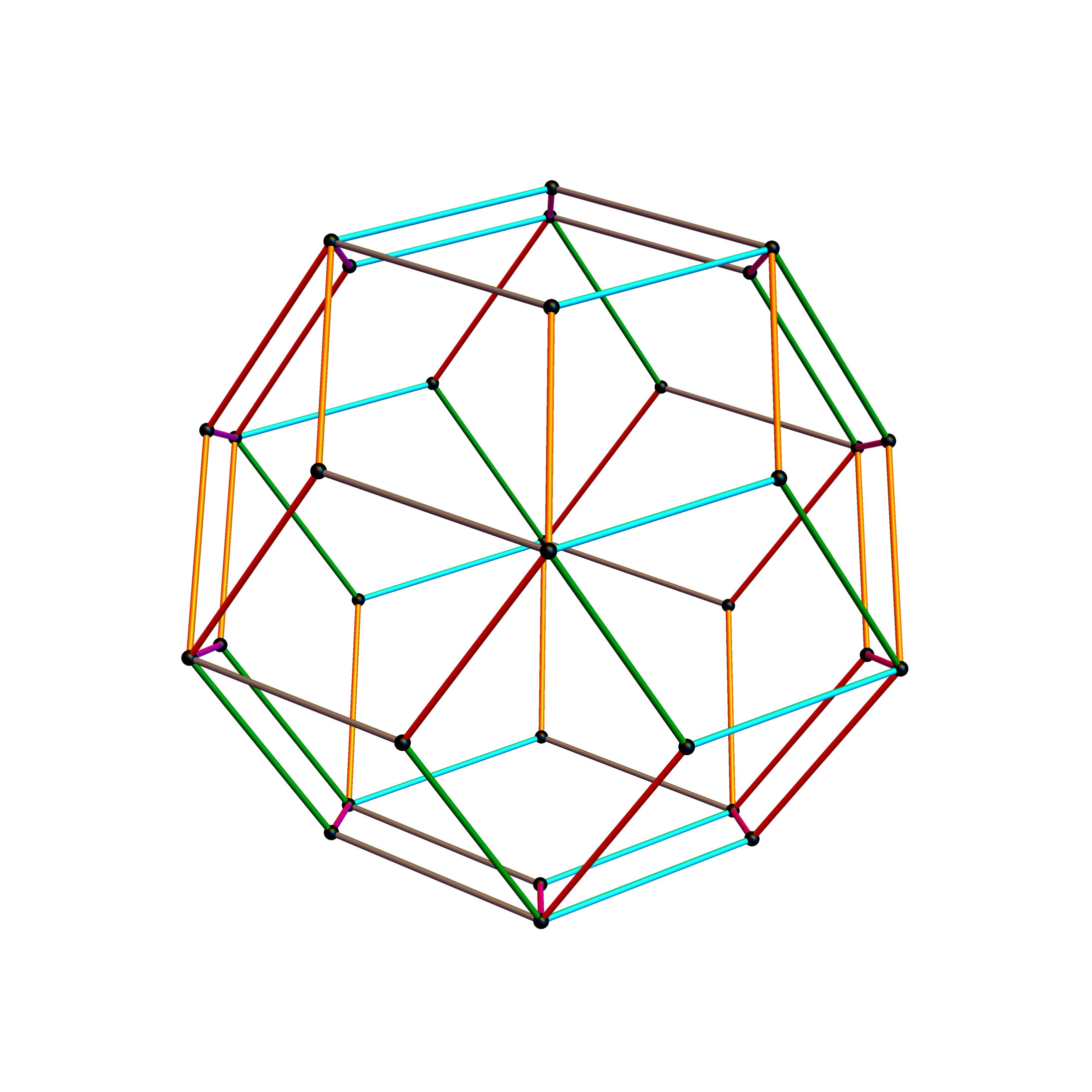
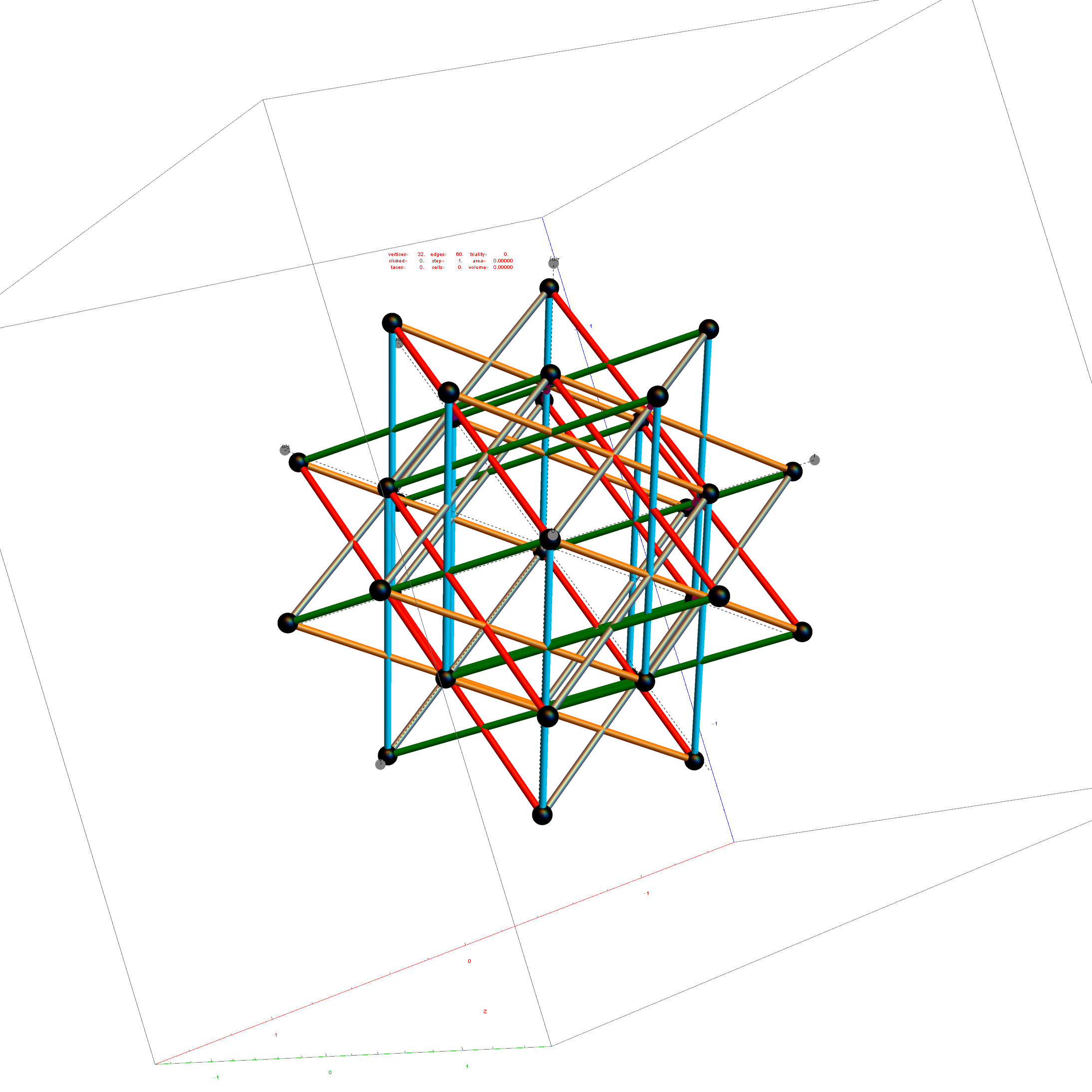
Below is the same type of animated .GIF from above, except it is projected into 3D by adding a 3rd basis vector for the z axis. These are shown without vertex numbers for clarity. It starts with E8 with 6720 8D Norm=Sqrt[2] edges (or equivalently E8 rotated to H4+H4Φ edges with 3360 4D Norm=1 & 3360 4D Norm=Φ edges). It cycles through to the H4Φ 600-Cell, H4 600-Cell, and then to the 24-Cell without edges. Finally on to the 8-Cell and 5 pairs of 24-Cells with edges. Again, the right 4D half of the 8D projection basis vectors are located at {0,0,0}. Of the other 4 basis vectors, 2 are on {x,y,z} axes.
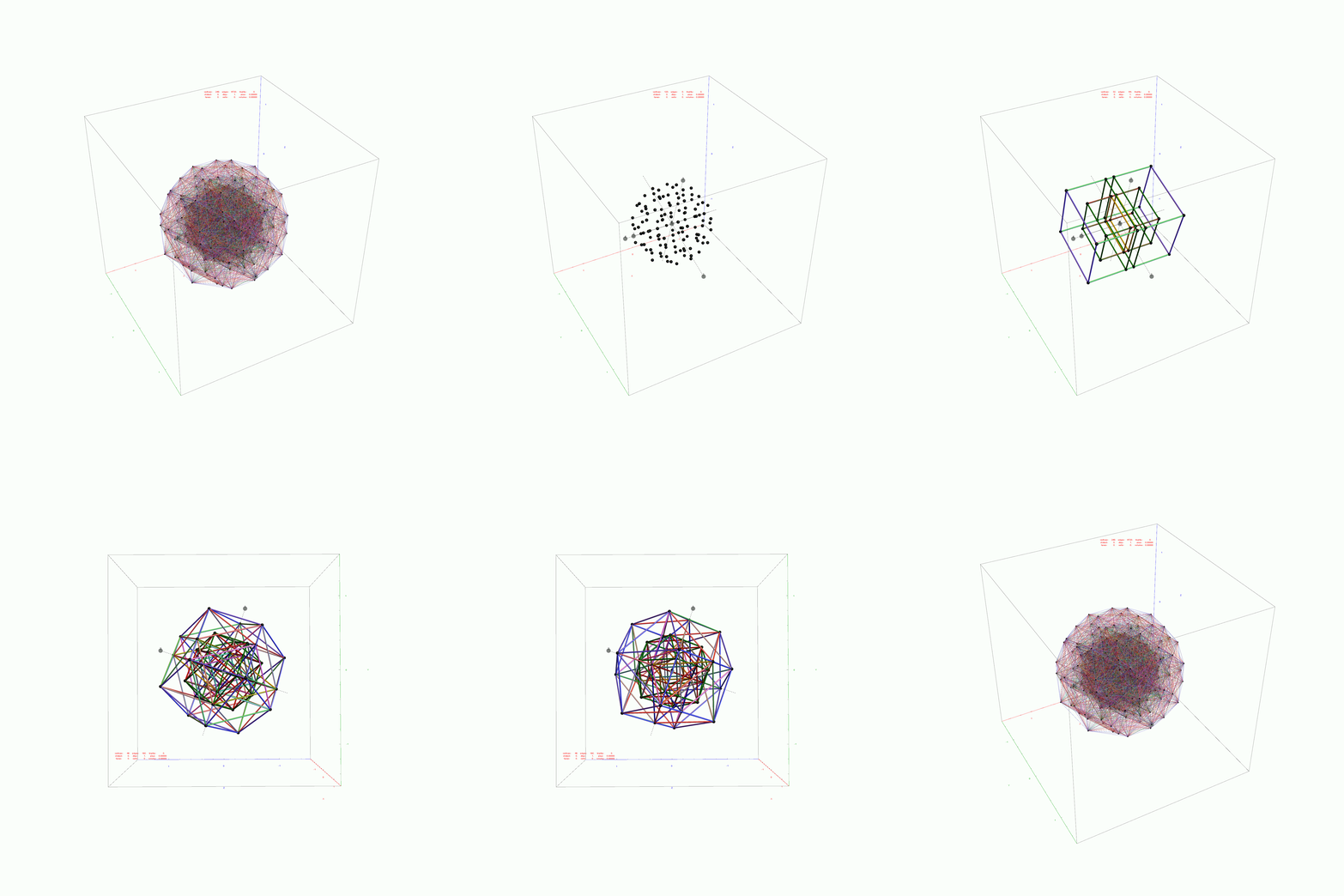
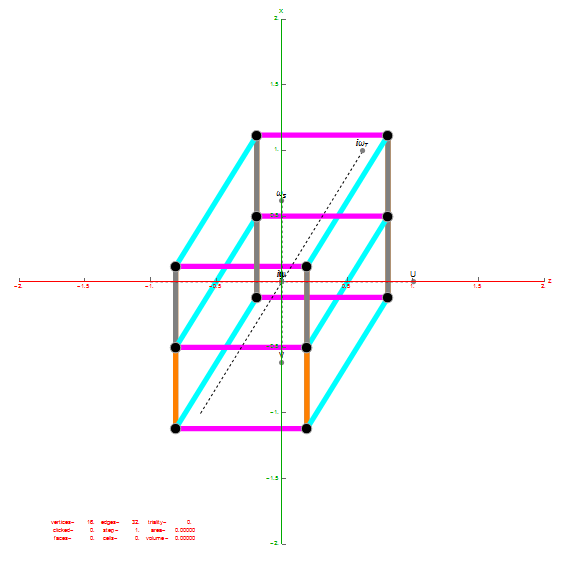
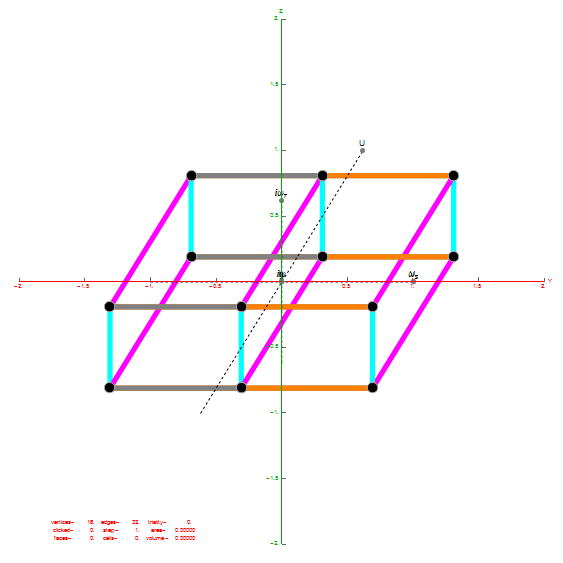
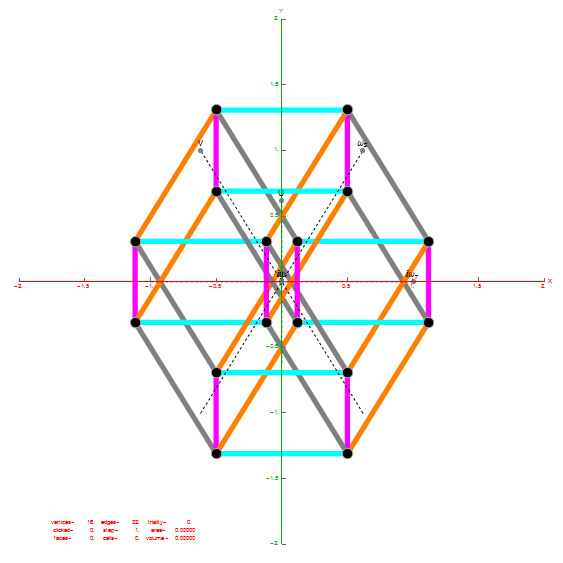
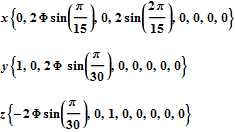
The projections of E8 rotated to H4+H4Φ in this post are not a pure ortho-normal 600-Cell projection, in that it is intended to show the Petrie projection on one face {x,y}. It does show the ortho-normal 600-Cell structure on another face {y,z} (albeit rotated off axis), and something in-between these on the {x,z} face. The full ortho-normal 600-Cell can easily be projected to full 3D symmetry on all 6 faces by using an ortho-normal basis. The 3 projection basis vectors used here in this post are as follows:
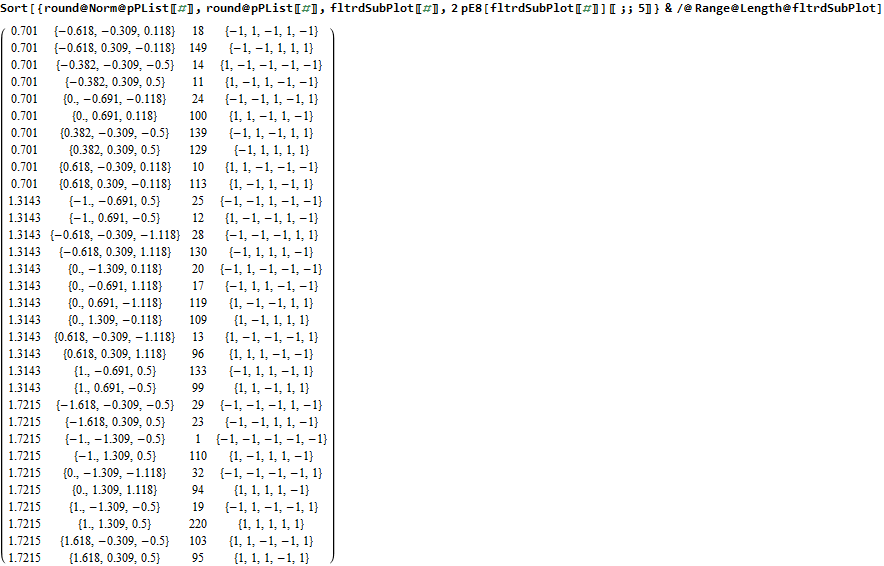
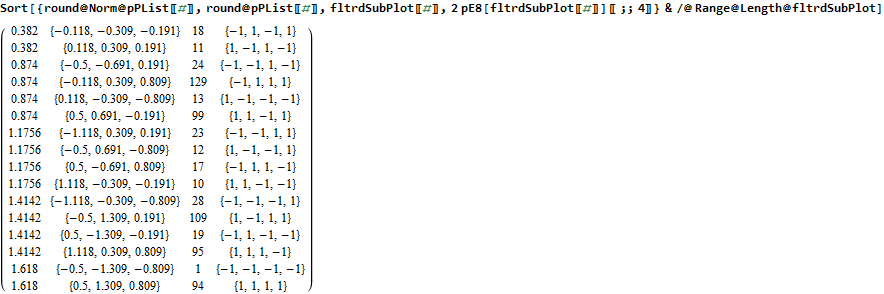
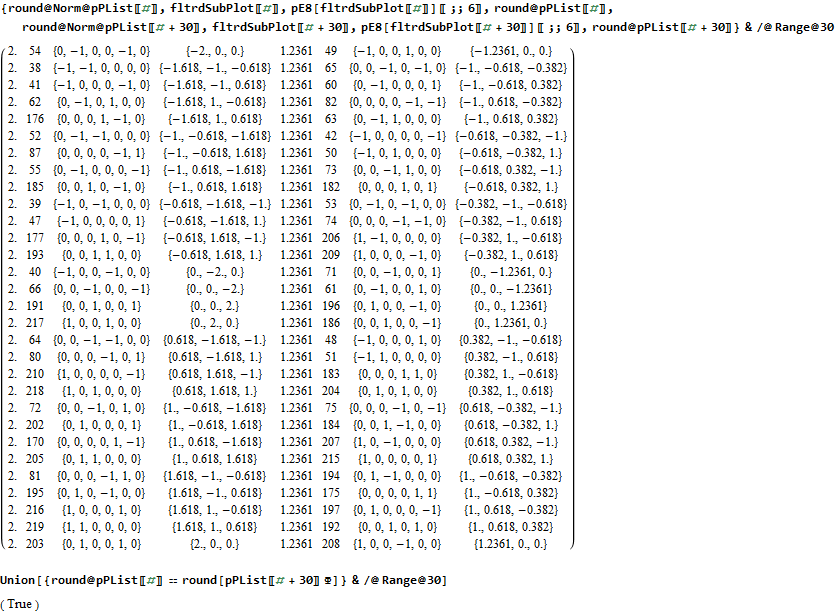
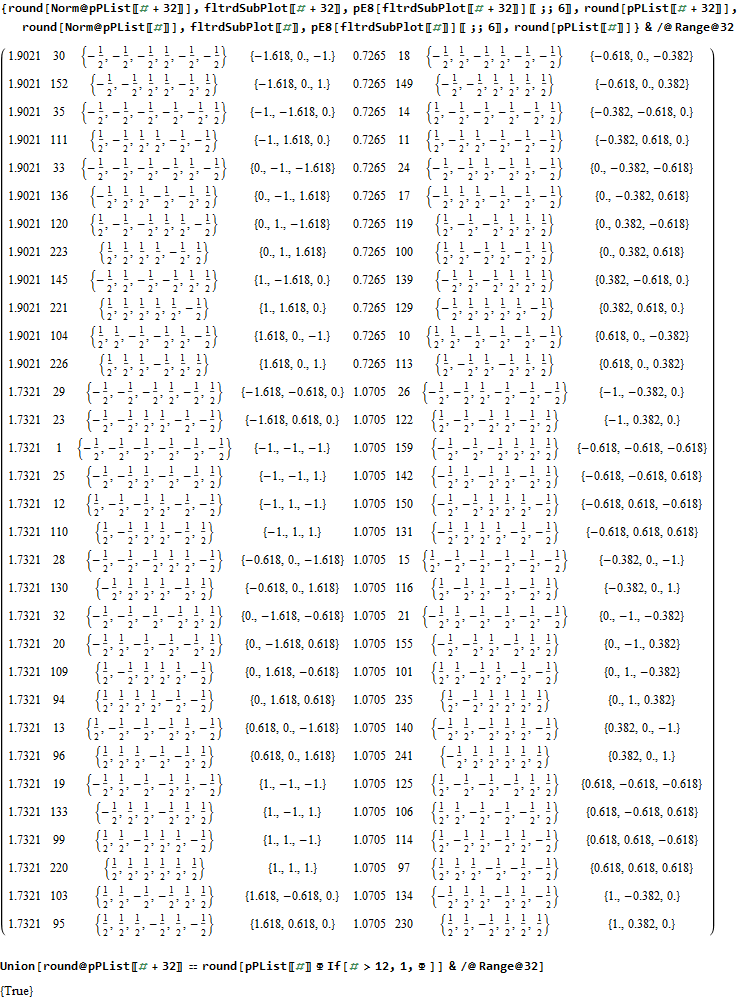
Below is the very long .PNG graphic listing the left 4D and right 4D vertex information for E8 (Pascal Triangle Binary and Split Real Even E8) and folded H4 and H4Φ in symbolic and numeric form. On the left side is the vertex number. Notice vertices 2-9 and 248-255 are missing. These are the 8 generator (and anti-generator) E8 vertices. The center of each row is a number that identifies the vertex where the left and right 4D elements switch sides to right and left.

The green data in the left and right columns indicate a 4D H4 vertex, while black in those columns indicate H4Φ 4D vertex. As you can see, there are actually 4 H4 600-Cell constructs in this E8 rotation, with 2 on the left and 2 on the right.

Wow – that is nice! Remember, you heard it here first!

The red text in the center column indicates vertices of the H4Φ 24-Cell. Notice, all the red vertices don’t switch left/right since they have symmetric 4D halves. Interestingly, 1/2 of the 16 H4Φ 8-Cell vertices are made up of 1/2 of the 16 8-bit Hamming (distance 4) binary codes. The other 1/2 of those Hamming codes are located in the 16 H4 8-Cell vertices, with anti-symmetric left/right halves (described in the next paragraph).

The Orange is the H4 24-Cell. While this 24-Cell does have a different vertex identified in the center for left/right switching, it does so within H4. Another interesting observation, is that both the E8 and H4 left value is always the negative of the right. This means the center number that identifies the vertex where the left and right 4D elements switch sides is the same as the 1-128 mirror element in the 256-129 set (and vice-versa).

The 2*8 (red and orange) 16-Cell vertices are all located in the integer E8 vertices (groups 4 and 6 of row 9 of the Pascal Triangle, specifically (1,8*,28,56,70,56,28,8*,1)). The 2*16 (red and orange) vertices of the 8-Cells are all located in the 1/2 integer E8 vertices groups (1,3,5,7,9) of row 9 of the Pascal Triangle, with all 16 of the H4 8-Cell vertices in group 5, and with the 16 red H4Φ 8-Cell vertices distributed as {1,4,6,4,1) in groups (1,3,5,7,9) respectively. Notice that this {1,4,6,4,1) distribution may relate to the Clifford Algebra Cl(8) primitive idempotent distributions in the 256 elements of Pascal Triangle row 9.

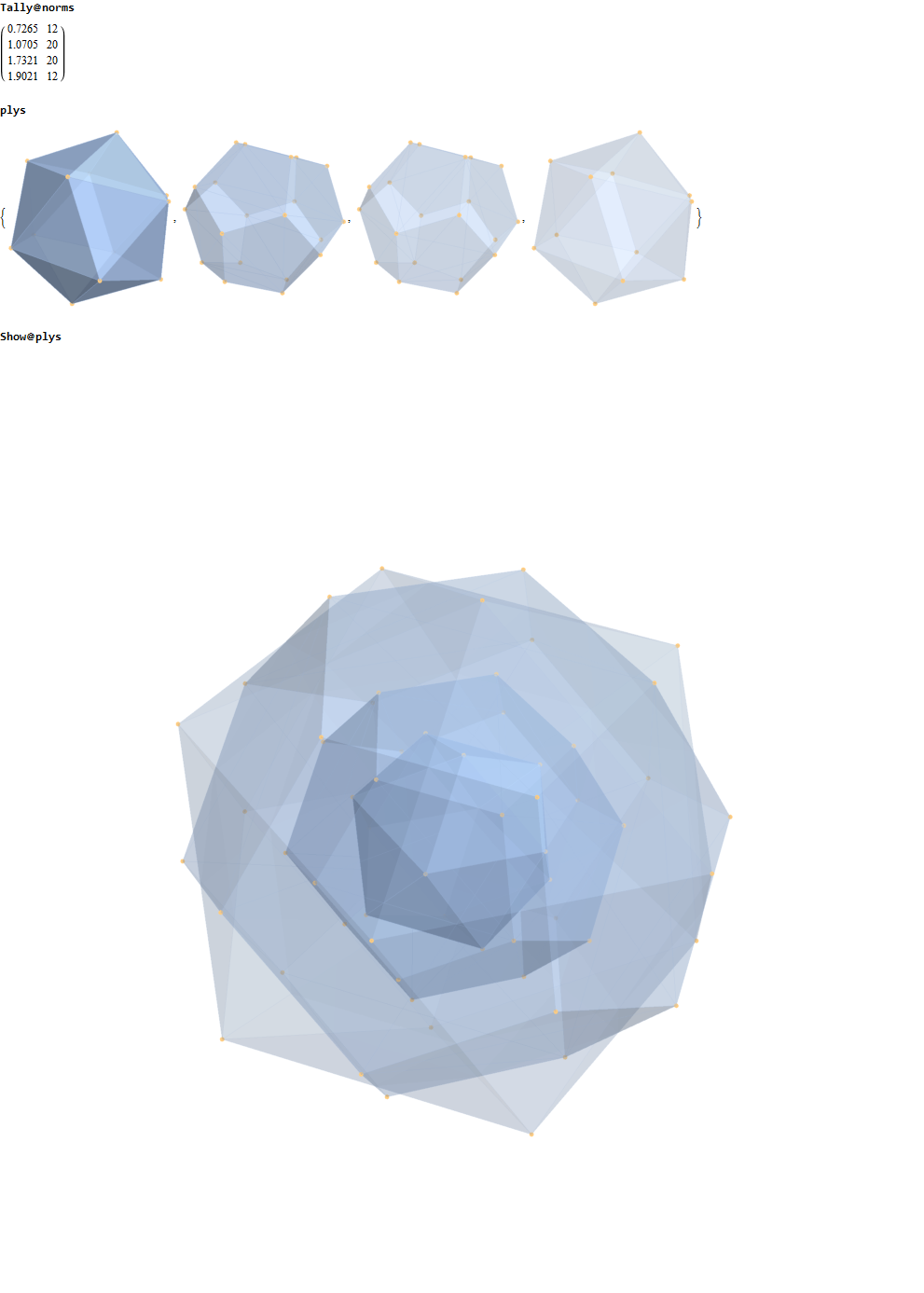
These red and orange center patterns of the 24-Cells is unlike the 2 sets of 96 Snub 24-Cell vertices, which have both H4 and H4Φ elements in each row as well as switching left/right values with a different and non-mirrored vertex number in the center of the center column.

More visualizations and 600 Cell analysis is also found in this post.

Please notice I have left in the final command of the Mathematica source code to give a hint as to the source structure of the data.

Comparing nearest edges between Split Real Even (SRE) E8

I have been intrigued with Richter’s arXiv 0704.3091 “Triacontagonal Coordinates for the E8 root system” paper.

Comparing nearest edges between Split Real Even (SRE) E8 and Richter’s Complex 4D Golden Ratio Petrie Projection Model:

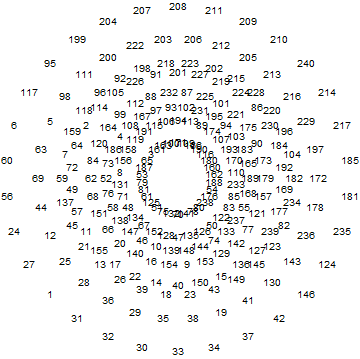
Please note, the vertex numbers are reordered from Richter’s paper in order to be consistent with ArXiv quant-ph 1502.04350 “Parity Proofs of Kochen-Specker theorem based on the Lie Algebra E8” by Aravind and Waegell. This paper uses the beautiful symmetries of E8 as a basis for proof sets related to the Bell inequalities of quantum mechanics. Below is a graphic showing that vertex number ordering:

Richter’s model with 74 nearest edges per vertex (Complex 4D Norm’d length Sqrt[2], with 8880 total):

Richter’s model with only 26 nearest edges per vertex (Complex 4D Norm’d length 1, 3120 total):

The above unity length edge pattern has is more consistent with the SRE E8 below.

The SRE E8 Petrie Projection (with 56 Norm’d edge length Sqrt[2] for each vertex, 6720 total). This is equivalent to folding E8 to H4 with an 8×8 rotation matrix which creates a 4D-left H4+H4*Phi and a 4D-right H4+H4*Phi.

Please note, the vertex number is that of the E8 vertices rotated (or “folded”) to H4 in 2D Petrie projection. The vertex numbers are in canonical binary order from E8’s 1:1 correspondence with the 9th row of the Pascal Triangle (eliminating the 16 generator/anti-generator vertices of E8 found in the 2nd and 8th column of the Pascal Triangle). The graphic below shows the vertex number ordering:

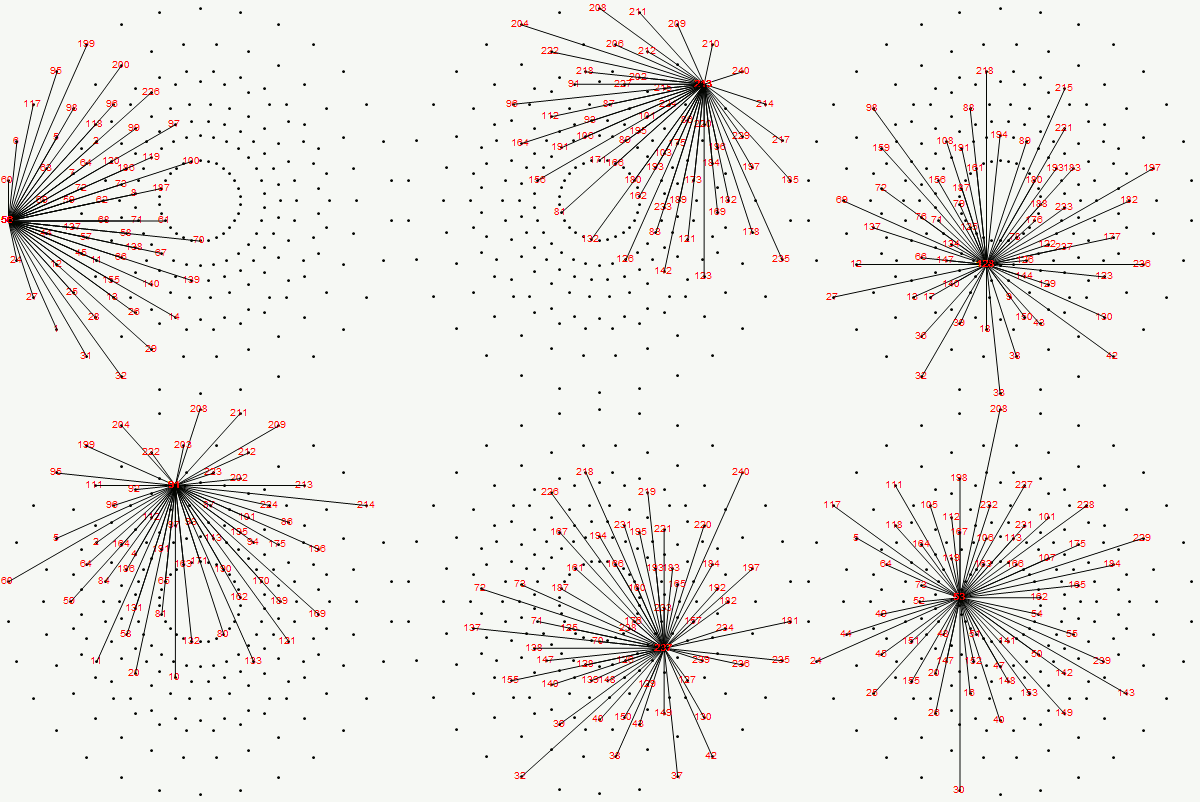
Here we take the 4D-left half and project to two concentric rings of H4 and H4 Phi (Golden Ratio) with 56 nearest edges per vertex (Norm’d length of unity or Phi for each vertex):

The animation frames are sorted by the ArcTan[y/x] of the vertex position in each ring (sorted H4*Phi outer to inner, then H4 outer to inner).

BTW – if you find this information useful, or provide any portion of it to others, PLEASE make sure you cite this post. If you feel a blog post citation would not be an acceptable form for academic research papers, I would be glad to clean it up and put it into LaTex format in order to provide it to arXiv (with your academic sponsorship) or Vixra. Just send me a note at:  jgmoxness@theoryofeverthing.org. 

The work of Frans G. Marcelis


https://fgmarcelis.wordpress.com

http://members.home.nl/fg.marcelis/

Really cool analysis of E8 geometry. I would love to collaborate, but can’t seem to find any contact info. If anyone knows him or can contact him, let me know.

I found his ’79-’81 Masters Thesis “Collectieve beweging in atoomkernen” from tue.nl

He co-authored a paper B. J. Verhaar, J. de Kam, A. M. Schulte, F. Marcelis: Simplified description of y vibrations in permanently deformed nuclei. Phys. Rev. C18 (1978) 523.

and see he participated in the HISPARC collaboration.


Some of my work that may support his is shown in this post, which shows how there are 10 self dual 24 cells in 2 sets of 5 (one for each H4 600 cell within E8). These are broken down by dual 16 vertex 8-cells and 8 vertex 16 cells. Marcelis creates a set of 14 8-cells (224 vertices) plus a basis of 16 vertices.

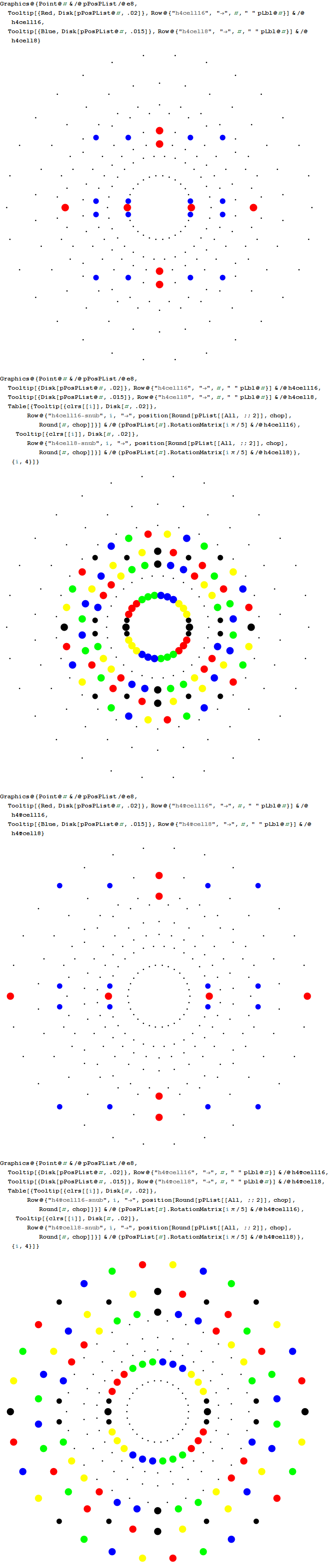
snub-pics

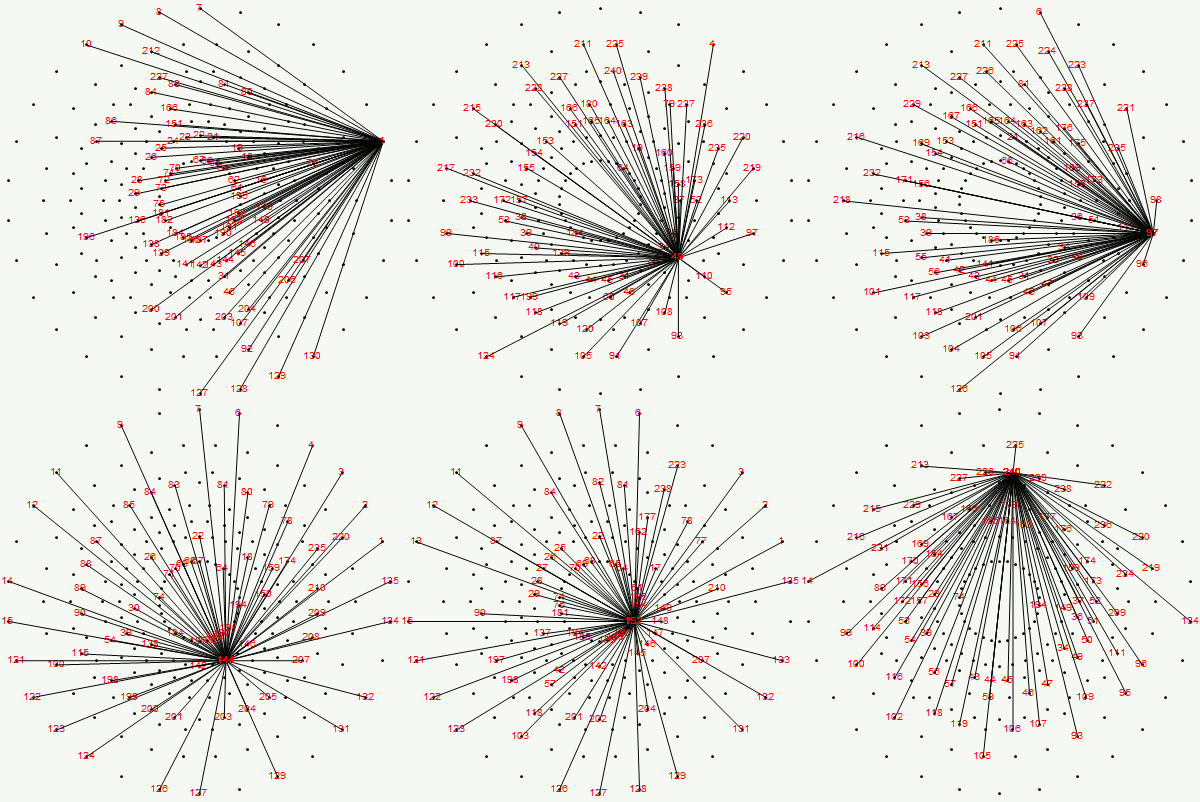
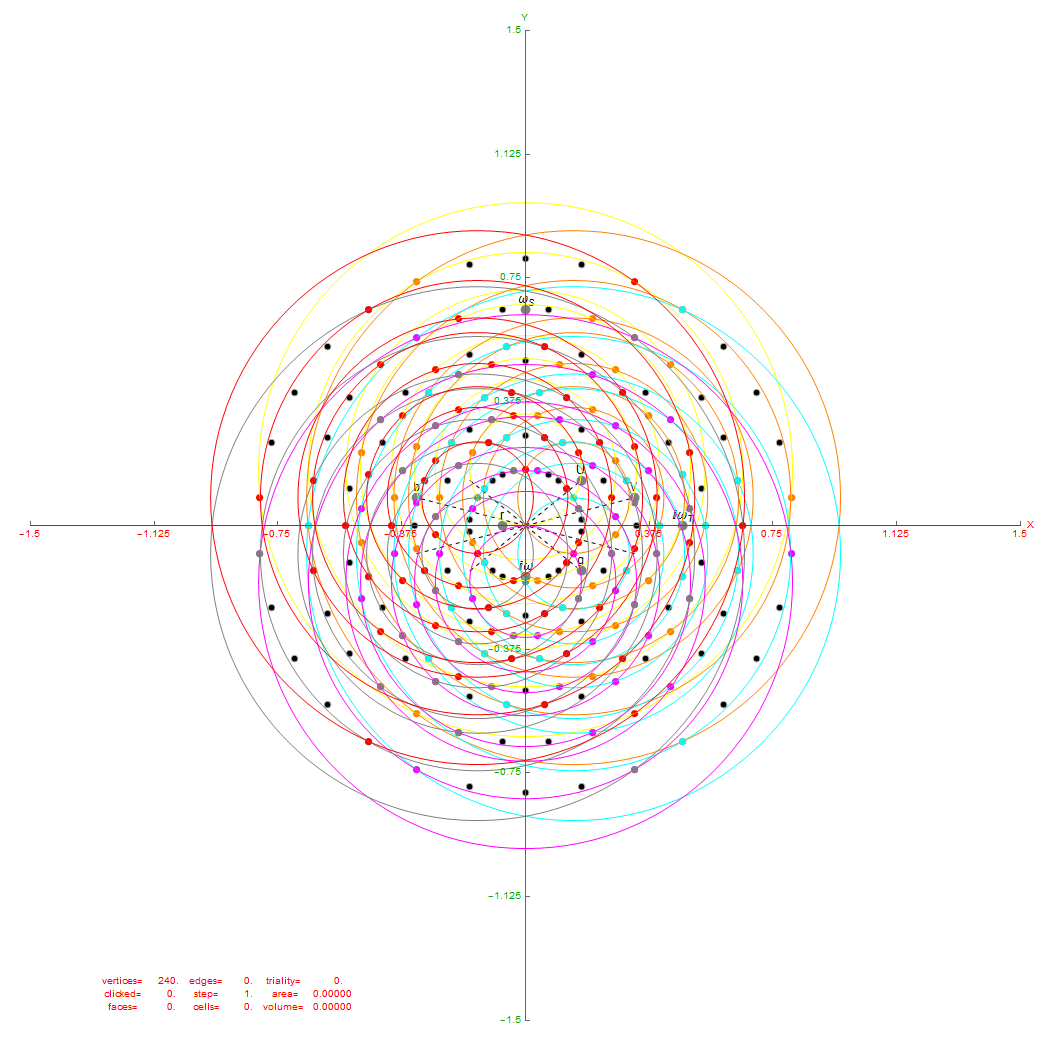
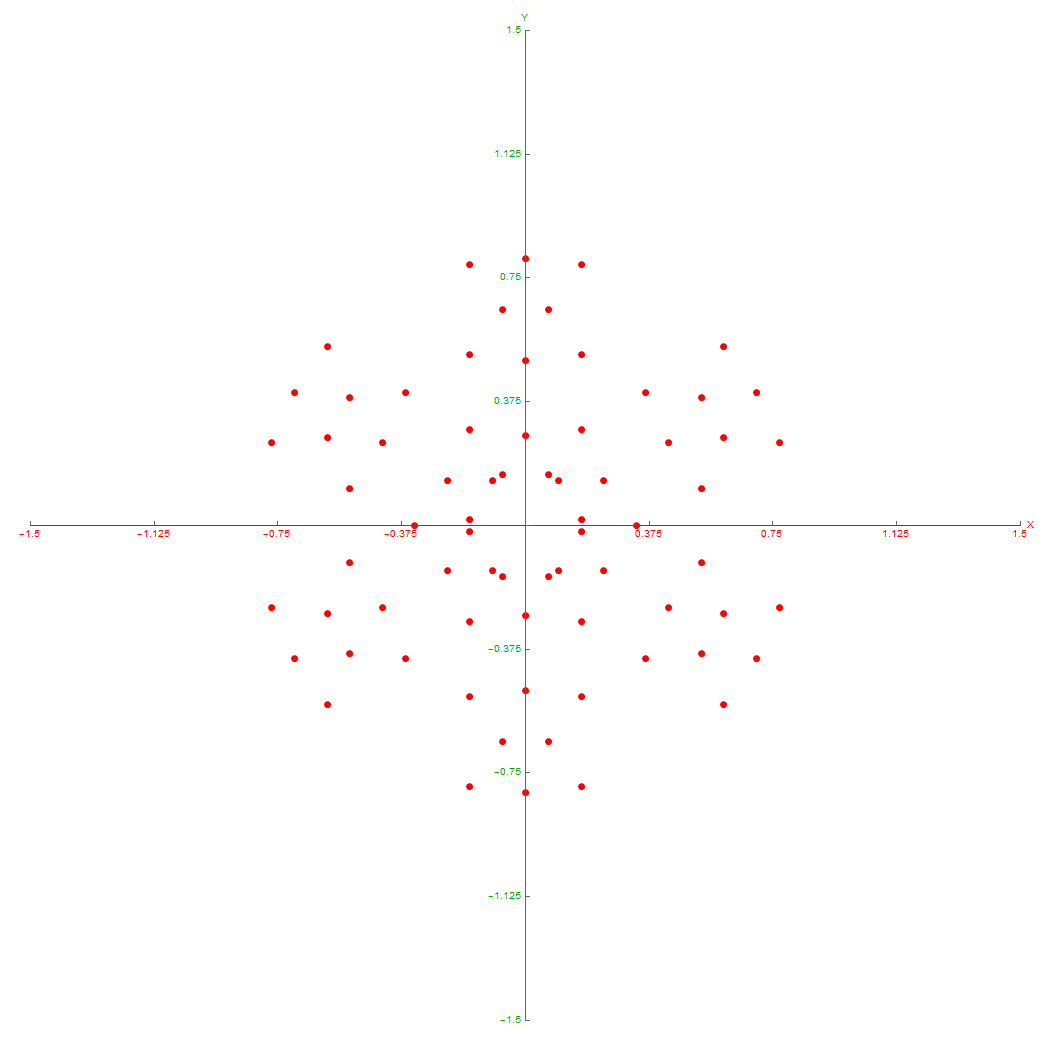
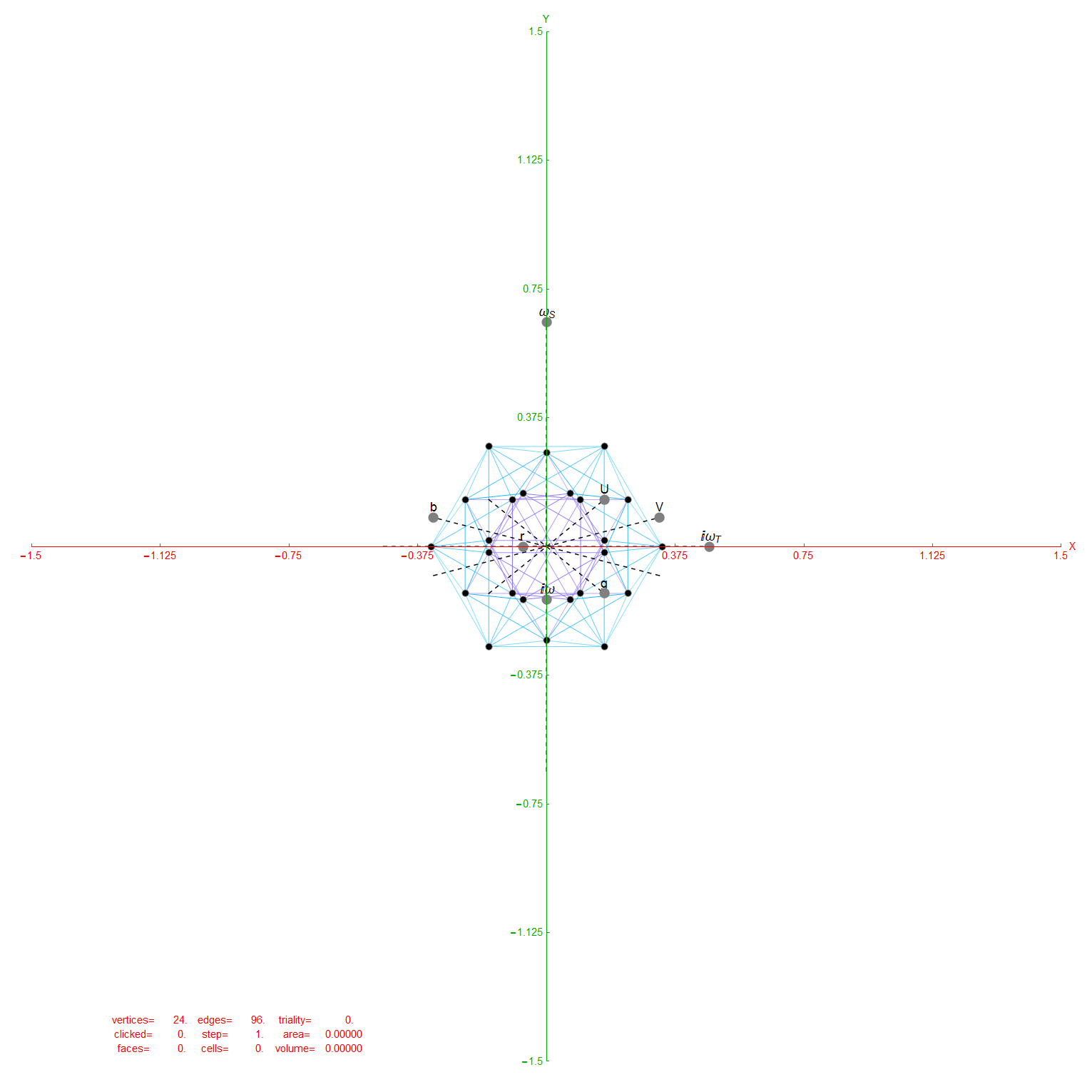
I replicate some of his work below using my Mathematica demonstration code as a base. When clicking a given vertex in my tool, it generates the edges to the 56 nearest vertices to that clicked vertex (as measured in all 8 dimensions). These are indeed the same vertices as those that intersect the rings of E8 Petrie Projection after translation to the clicked point.

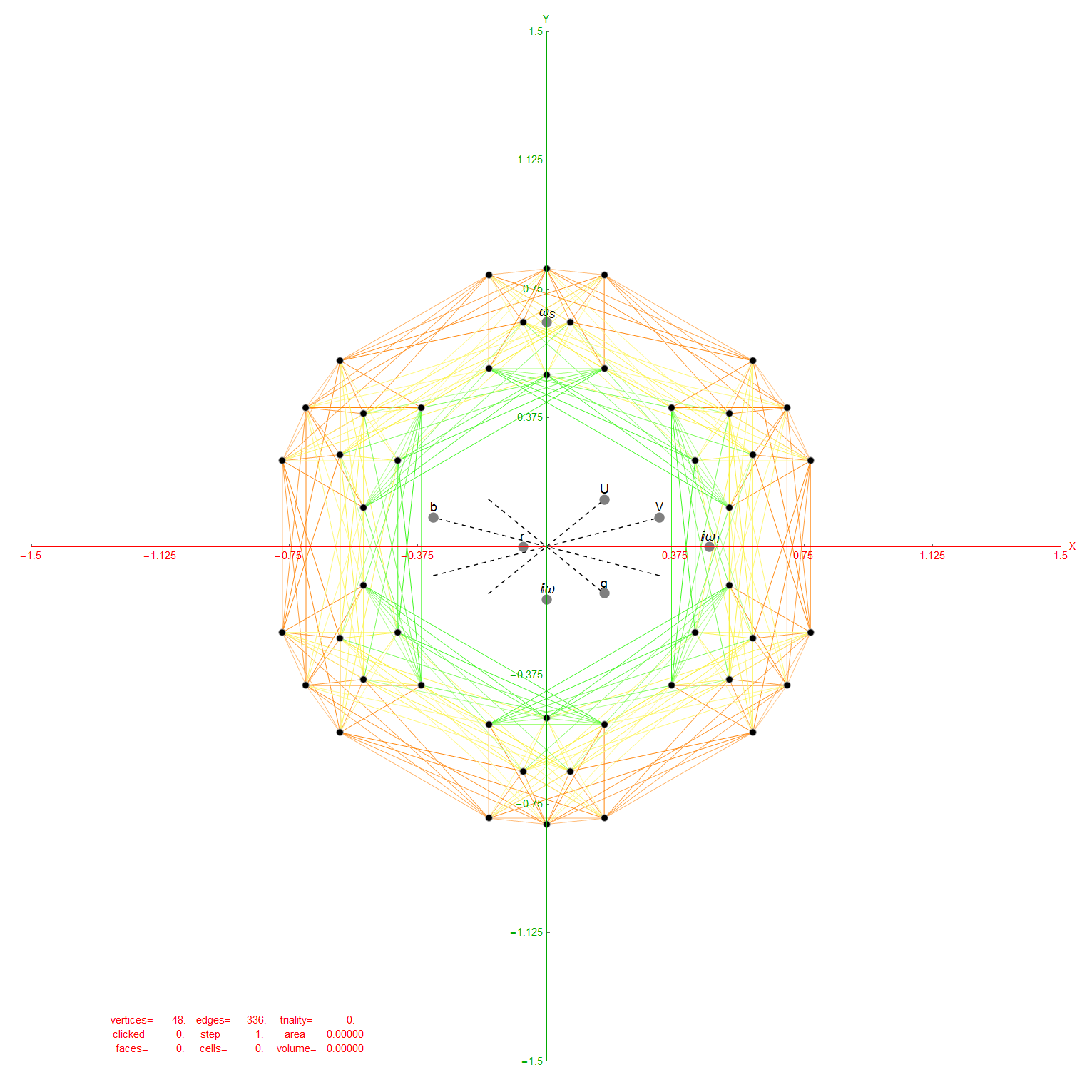
Ring intersections that complement the 240 E8 vertices from 3{3}3{4}2. This is like clicking every 5th vertex (6) on the inner ring of E8 Petrie Projection.

Vertices from 3{3}3{4}2

Inner 3{4}3

6 Outer 3{3}3

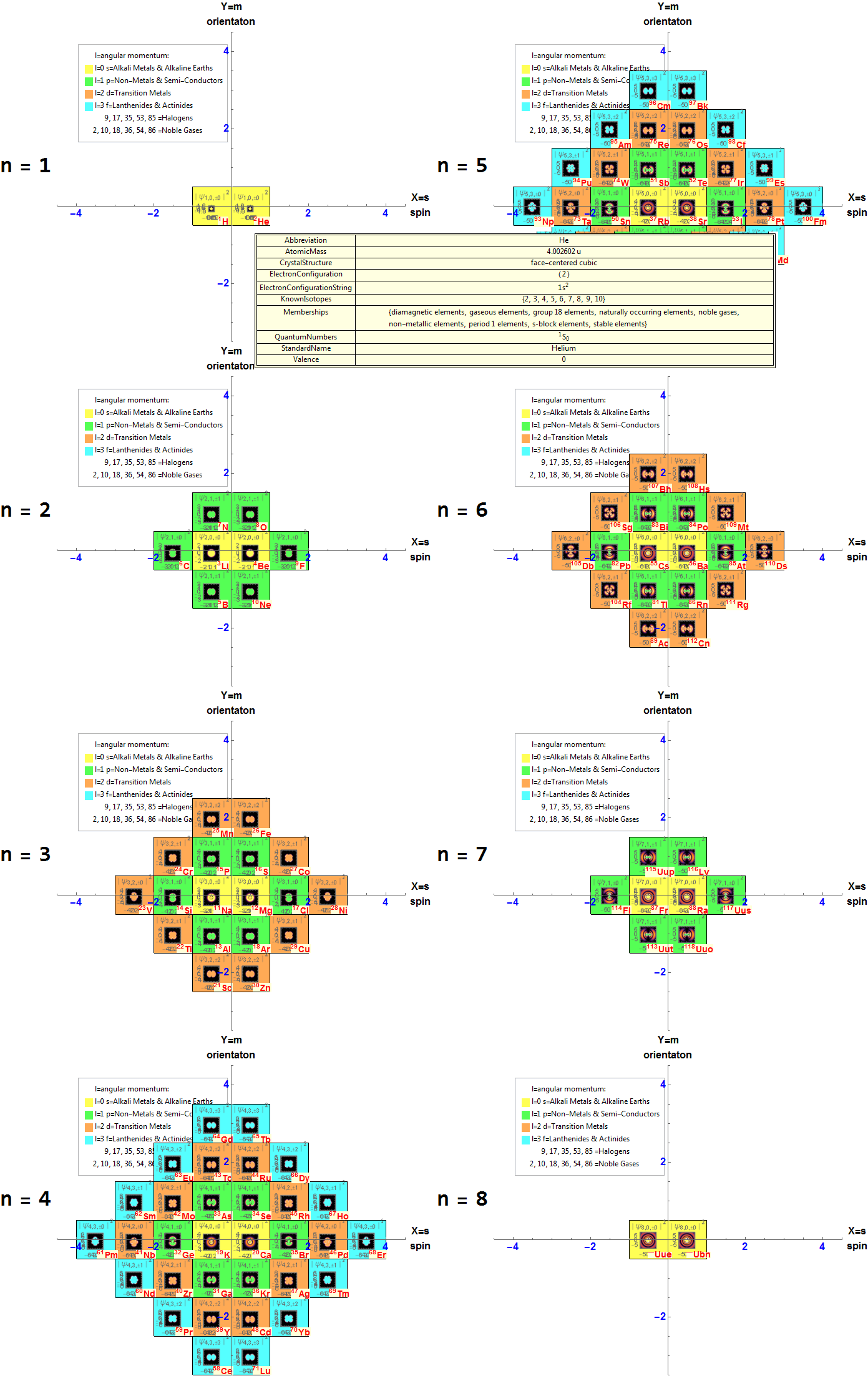
New Interactive Physicist’s Periodic Table

MouseOver the Atomic Element Symbol in each square for detail curated element data.
This requires the free Mathematica CDF plugin.

Note: The interactive CDF plug-in as required below does not currently work on Chrome browsers.

To start the interactive Periodic Table:

  • w/o selectable element property picklist, click here
  • with selectable element property picklist and 3D electron orbitals, click here

If you want to save and run the CDF file locally, download it here.
Below is a snapshot if your browser doesn’t support the interactive CDF Player.

Updated My ToE Demonstrations to Wolfram Language (aka. Mathematica) 11
Please see the latest in .nb, .cdf demonstrations files and web interactive pages.
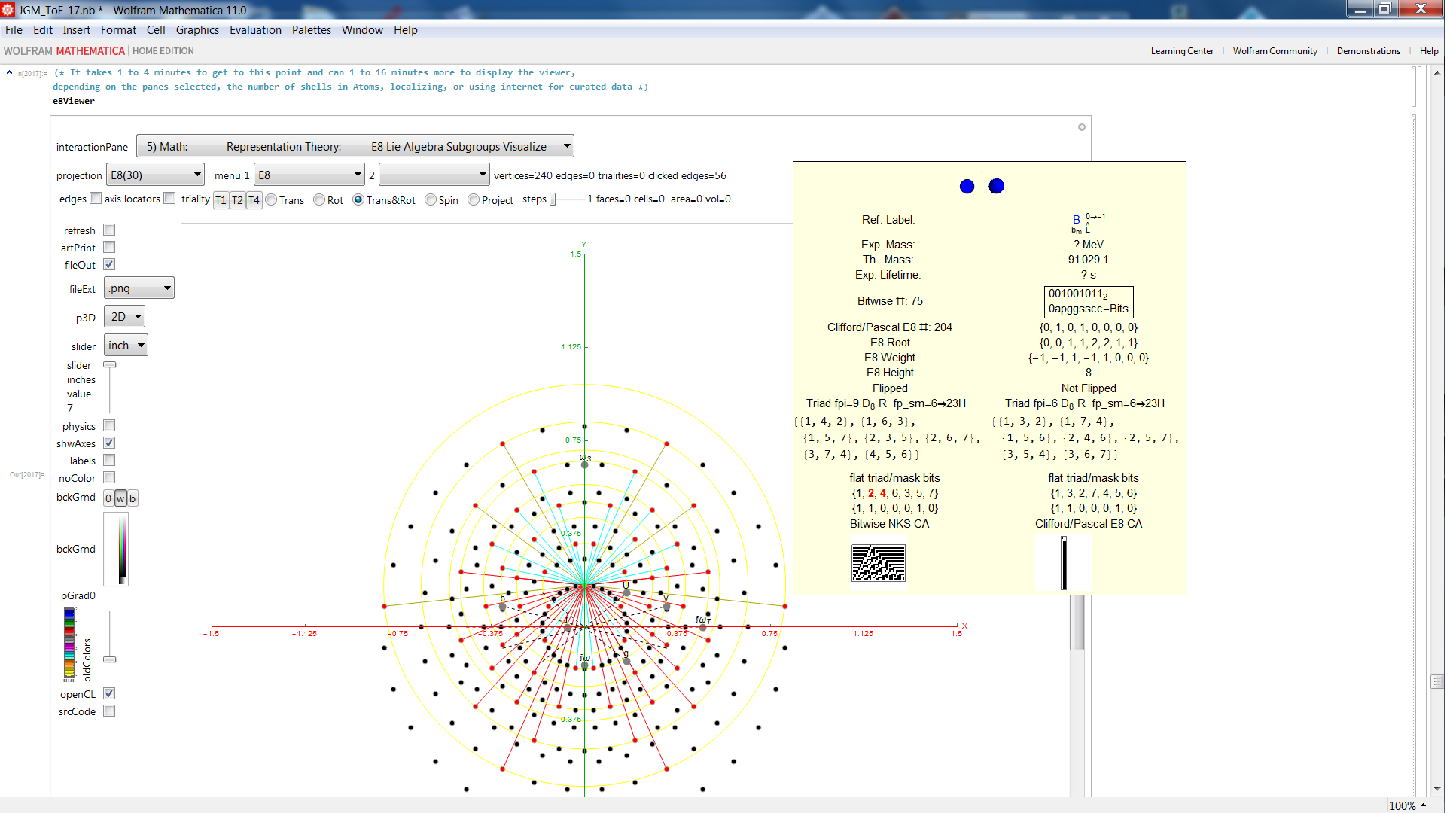
ToE_Demonstration-Lite.cdf Latest: 08/15/2016 (10 Mb). This is a lite version of the full Mathematica version 11 demonstration in .CDF below (or as an interactive-Lite web page) (4 Mb). It only loads the first 8 panes and the last UI pane which doesn’t require the larger file and load times. It requires the free Mathematica CDF plugin.

This version of the ToE_Demonstration-Lite.nb (13 Mb) is the same as CDF except it includes file I/O capability not available in the free CDF player. This requires a full Mathematica license.

ToE_Demonstration.cdf Latest: 08/15/2016 (110 Mb). This is a Mathematica version 11 demonstration in .CDF (or as an interactive web page) (130 Mb) takes you on an integrated visual journey from the abstract elements of hyper-dimensional geometry, algebra, particle and nuclear physics, Computational Fluid Dynamics (CFD) in Chaos Theory and Fractals, quantum relativistic cosmological N-Body simulations, and on to the atomic elements of chemistry (visualized as a 4D periodic table arranged by quantum numbers). It requires the free Mathematica CDF plugin.

This version of the ToE_Demonstration.nb (140 Mb) is the same as CDF except it includes file I/O capability not available in the free CDF player. This requires a full Mathematica license.

(The CDF player from Wolfram.com is still at v. 10.4.1, so still exhibits the bug I discovered related to clipping planes/slicing of 3D models).

Hofstadter’s Quantum-Mechanical Butterfly

Hofstadter’s Quantum-Mechanical Butterfly relates to the fractional Quantum Hall Effect, which is (IMHO) at the heart of understanding (interpreting) how QM really works!

I modified Wolfram Demonstration code by Enrique Zeleny to produce a short video of the emergence of the Hofstadter’s Quantum-Mechanical Butterfly

I found an interesting pattern. By modifying the integer used in the solution i=12, the Golden Ratio Ф=(1+Sqrt[5])/2=1.618 … emerges within the butterfly! Can you find it (or 1/Ф=.618…)?
Hint: Use the interactive version and mouse-over the red or green dots in the white space of the wings of butterfly.

A snapshot of the code and last frame@n=50:
HofstadterButterfly

If you have the free Mathematica CDF plugin on a non-Chrome browser, you can interactively analyze this with n<11 being presented with symbolic solutions in a mouse-over Tooltip (below).

Visualizing Climate Data

I saw this post on the Wolfram blog.

I’ve enhanced the code to show some error bar indicators and visualized by year w/o the obfuscation of accumulation over time. It also uses parallel CPUs and binary packed arrays to speed up the computation. I also reduced the scale from +2.5C to +1C (since there was no data above it). I wonder if that anomalously larger scale was selected to “suggest” a placeholder for future warming (not appropriate as science – but typical for “influencing” public opinion).

I think my presentation more accurately shows that the recent data from the ’00s (with several El Nino’s), mid 40-60’s ocean temp bias adjustment increases, and more recent changes in (space) technology for collecting data may be a (the?) significant root cause for increases in temperature.

That may not be a politically correct thing to suggest – but I will do more work to substantiate based on the statistical analysis of the various data sets….

If you don’t have the Wolfram CDF Player on a non-Chrome browser for interactive UI, you can watch the YouTube video here or see below.

warming1

warming-1g